If you’ve ever searched “HP ink cartridges” for your OfficeJet Pro and landed on a page showing both 910XL and 952XL options — both black, both labeled “high yield,” both seemingly compatible with “OfficeJet Pro” printers — you’ve hit one of the most common and costly mix-up points in the inkjet market. Cartridge series (the number before “XL”) identify which printer family a cartridge is built for. The “XL” suffix means high-yield, giving you more pages per cartridge than the standard version. But 910XL and 952XL are not interchangeable. They fit different printer models entirely. Buying the wrong one means a cartridge that won’t physically seat — or worse, one that seats but triggers an error code. This guide maps out exactly which series belongs in which printer, shows you the yield math on both, and walks through when OEM (original HP ink) is worth the premium versus when a compatible cartridge closes the gap without the risk.
Which Cartridge Goes in Which Printer — and Why It Matters
This is the foundational question, and the answer is firmer than most buyers expect.
HP 910XL: The OfficeJet Pro 8020 Series Cartridge
HP 910XL cartridges are engineered for the OfficeJet Pro 8020 series — specifically the 8022, 8025, 8025e, 8028, and 8035 models. These are the compact, mid-range all-in-ones that HP positioned as home office workhorses in the 2019–2022 product window. Per HP Inc.’s official cartridge compatibility documentation, the cartridge slots are physically distinct from the 9000-series printers. A 952XL will not seat correctly in an 8025.
TechRadar’s review of the HP OfficeJet Pro 8025e (TechRadar, 2024) notes that the 8020 series was shipped with HP’s Instant Ink subscription infrastructure baked in, and that HP’s firmware on these models has historically been more aggressive about flagging non-HP ink. That’s a configuration consideration — not a dealbreaker for compatible cartridges — but it shapes the buying decision in ways outlined below.
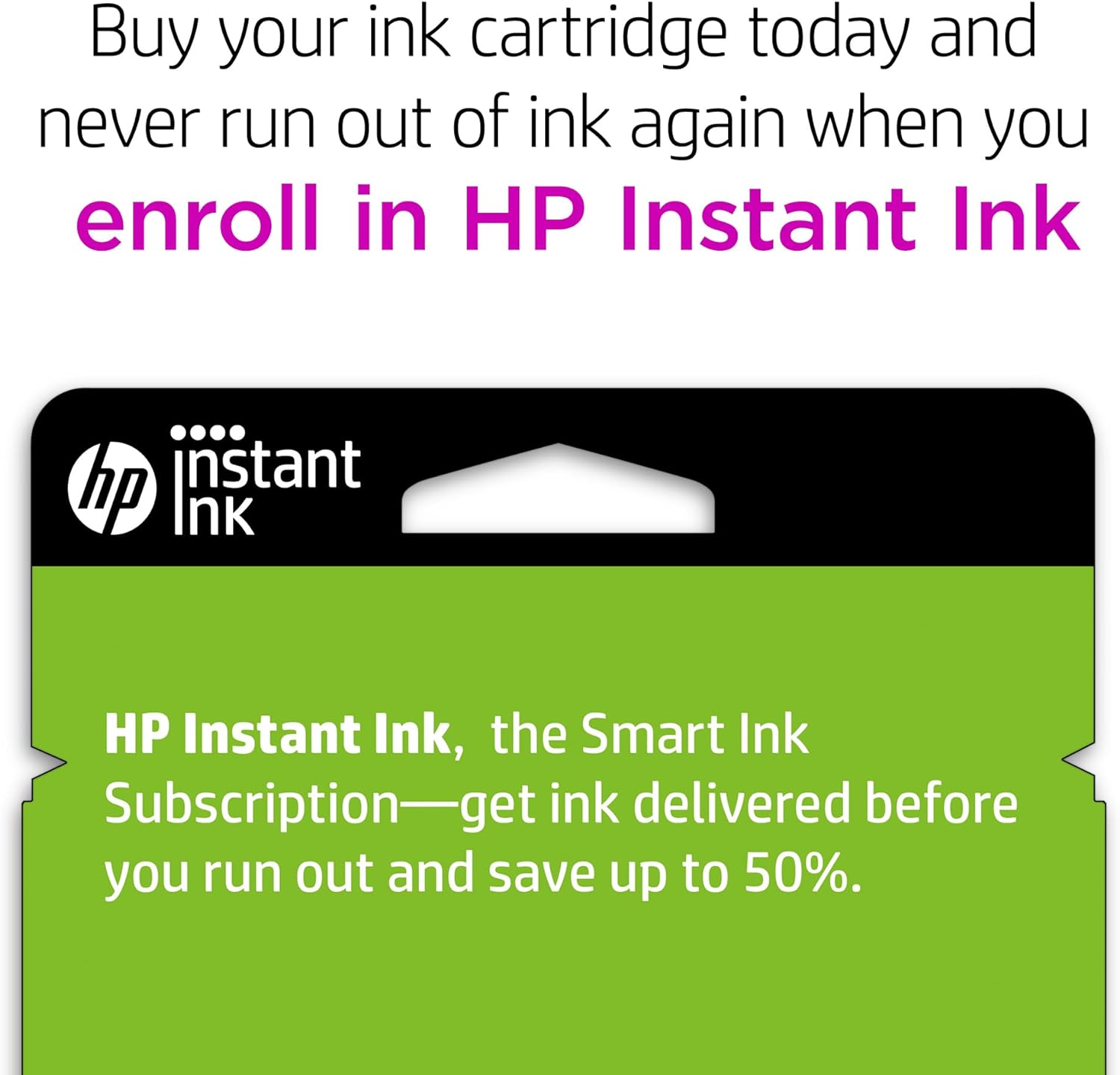
HP
$56.89
In stock on Amazon
Check price on AmazonHP 952XL: The OfficeJet Pro 8700 and 9000 Series Cartridge
HP 952XL cartridges belong to the OfficeJet Pro 8700 and 9000 series — including the 8710, 8720, 8730, 9010, 9012, 9015, 9015e, 9018, 9025, and 9025e. This is the higher-throughput tier, designed for small offices printing 500–1,500 pages per month. A 910XL will not seat correctly in a 9015.
PCMag’s review of the HP OfficeJet Pro 9015e (PCMag, pcmag.com) gives the printer high marks for reliability in small-office settings, which is consistent with the 9000 series’ positioning as a workgroup machine. At that throughput level, the cost-per-page difference between OEM and compatible becomes harder to ignore — and the 952XL’s larger reservoir is the direct driver of its advantage.
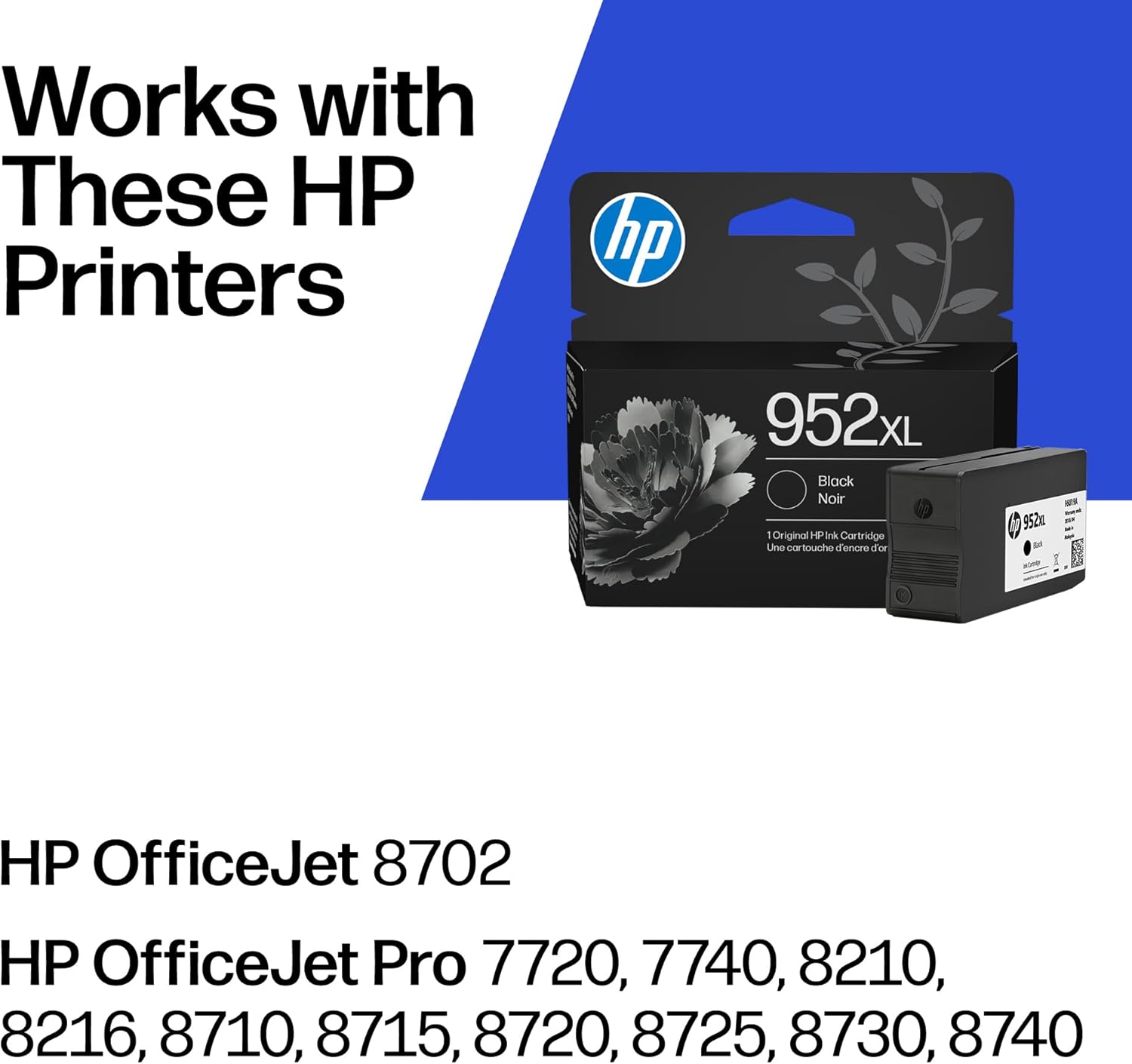
HP
$70.89
In stock on Amazon
Check price on AmazonHow to Confirm Your Model Before You Order
The full model number is printed on a label on the front or underside of the printer. The OfficeJet Pro 8025e and 9025e look nearly identical at a glance — the model suffix is the one field that matters. If you’re mid-negotiation on a supply contract or stocking up for a fleet, that model-to-series mapping is the hard constraint everything else builds on.
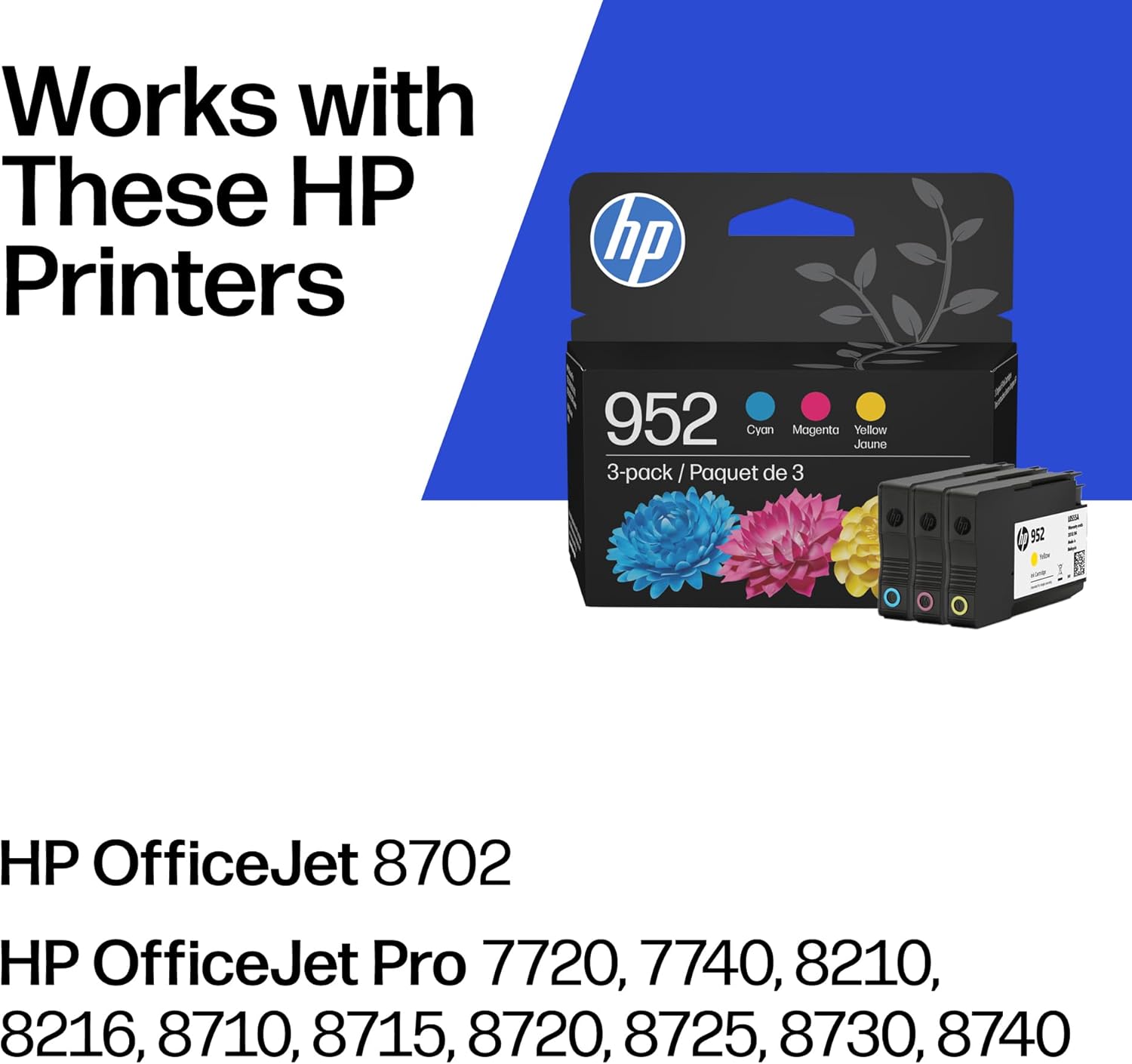
HP
$96.89
In stock on Amazon
Check price on AmazonThe Yield Math: What “XL” Actually Buys You
Yield is measured in pages at 5% page coverage — the ISO/IEC 24711 standard for ink cartridge ratings, as documented by Buyers Laboratory (BLI) in their ink cartridge yield certification standards overview (buyerslab.com). At 5% coverage, you’re printing a moderately text-heavy business document. Heavy graphics, full-bleed color, or dense spreadsheets will reduce real-world yield.
HP 910XL Yield by Color
| Cartridge | ISO Page Yield | Approx. Retail (OEM, May 2026) |
|---|---|---|
| 910XL Black | ~825 pages | $38–$44 |
| 910XL Cyan | ~825 pages | $25–$30 |
| 910XL Magenta | ~825 pages | $25–$30 |
| 910XL Yellow | ~825 pages | $25–$30 |
| 910XL Combo (C/M/Y) | ~825 pages each | $60–$75 |
HP 952XL Yield by Color
| Cartridge | ISO Page Yield | Approx. Retail (OEM, May 2026) |
|---|---|---|
| 952XL Black | ~2,000 pages | $48–$58 |
| 952XL Cyan | ~1,600 pages | $32–$38 |
| 952XL Magenta | ~1,600 pages | $32–$38 |
| 952XL Yellow | ~1,600 pages | $32–$38 |
| 952XL Combo (C/M/Y) | ~1,600 pages each | $80–$100 |
HP Inc.’s product pages confirm these yield figures under ISO/IEC 24711 testing conditions. The 952XL’s larger ink reservoir is the direct driver of that higher page count — it’s physically a bigger cartridge.
The cost-per-page math on 952XL black: At $53 average retail and 2,000 pages, you’re paying roughly $0.027 per page. The 910XL black at $41 average retail and 825 pages works out to $0.050 per page — nearly double. For a printer running 800+ pages per month, that spread adds up to real money across a year.
OEM vs. Compatible: Where the Risk Lives in Each Series
Let’s name the tradeoffs explicitly, because this is where most intermediate buyers lose money or time.
Compatible 910XL for the 8020 Series: Firmware Is the Variable
Owners running third-party 910XL compatibles report that cartridges from established suppliers generally initialize without error on stock firmware. The risk window is firmware updates. HP has pushed updates to 8020-series printers that have, at various points, tightened chip authentication.
Digital Trends’ roundup of best ink cartridges for home office printers (Digital Trends, digitaltrends.com, 2025) notes that the practical mitigation is to verify your compatible supplier explicitly lists firmware compatibility for your current printer firmware version before purchase. HP posts current firmware version information on their support pages under each specific printer model.
Decision rule for 910XL: If you’re printing under 300 pages per month and cost is the primary lever, a compatible 910XL from a reputable supplier at $12–$18 per color cartridge is defensible. If you’re running Instant Ink and firmware auto-updates are enabled, OEM is the lower-risk path.
Compatible 952XL for the 9000 Series: Color Consistency Is the Variable
At 500–1,500 pages per month throughput, the cost-per-page difference between OEM and compatible becomes a meaningful line item. Compatible 952XL black cartridges from established commercial-grade compatible suppliers are available in the $18–$26 range, versus $48–$58 for OEM. At 2,000 pages per cartridge, you’re potentially saving $25–$35 per black replacement.
The tradeoff: compatible ink in the 9000 series shows more variation in color accuracy across aggregated buyer reviews. For text-heavy documents, owners report comparable output. For color graphics or client-facing presentations where color consistency matters, OEM ink — using HP’s validated color profiles — delivers reliable output that eliminates reprints. That reprint cost is invisible until it isn’t.
Decision rule for 952XL: If your 9000-series workload is primarily black text and internal documents, compatible 952XL is a legitimate cost-reduction lever when sourced from a supplier with an explicit return policy on incompatible cartridges. If your output includes color-critical work — marketing materials, client proposals, branded deliverables — the OEM premium is cheaper than the reprint risk.
Multi-Pack Economics and Seasonal Timing
Both series have combo and multi-pack configurations worth understanding before you commit to a purchase volume.
HP sells combo packs for both 910XL and 952XL that bundle the three color cartridges (C/M/Y) at a slight discount versus buying individually — typically $5–$10 cheaper than three separate color cartridges per current retail pricing data.
The more significant savings window is seasonal. OEM ink cartridges for both series follow a predictable retail discount cycle based on historical pricing patterns through early 2026:
- Back-to-school season (July–September): HP OEM multipacks typically see 15–20% discounts at major retailers.
- End-of-year / November sales events: The deepest OEM discounts of the year, often 20–30% on combo packs.
- Post-holiday January: Compatible cartridge suppliers often run clearance pricing to move inventory.
If you’re stocking a supply closet rather than buying hand-to-mouth, timing a bulk OEM purchase to one of these windows can effectively cut your cost-per-page by 15–25% without switching to compatibles at all.
A note on shelf life: HP rates its ink cartridges for optimal performance through the “use by” date printed on the packaging — generally 18–24 months from manufacture. Stocking more than a 6-month supply introduces the risk of degraded ink performance, particularly with color cartridges. For high-volume environments, the math favors purchasing in 3-month supply increments rather than maximum bulk.
The Warranty Question — What You Actually Need to Know
One concern that comes up repeatedly for small-business buyers is whether using compatible (non-HP) ink voids the printer warranty. In the United States, it cannot under the Magnuson-Moss Warranty Act. HP cannot legally void your printer warranty solely because you used a third-party ink cartridge.
What HP can do — and does — is decline to cover damage that was directly caused by a third-party cartridge (for example, a leaking compatible cartridge that damages the printhead). That’s a meaningful distinction. In practice, most printhead damage claims are difficult to attribute directly to ink brand, and HP’s warranty claims process for OfficeJet Pro printers is primarily handled through depot repair rather than on-site diagnosis.
The practical risk isn’t warranty voiding — it’s printhead replacement cost. OfficeJet Pro 8000-series printheads are integrated into the printer (not the cartridge), and replacement or depot repair runs $100–$200 if out of warranty. For a printer that cost $150–$250, that’s a real exposure. This is the actual cost calculus behind the “use OEM to protect the printer” recommendation — not a legal warranty risk, but an actuarial one.
Summary Decision Framework
To pull the decision rules together:
- You have an OfficeJet Pro 8022, 8025, 8025e, 8028, or 8035 → you need HP 910XL. Not 952XL. Confirm your model number before ordering.
- You have an OfficeJet Pro 8710, 8720, 8730, 9010, 9012, 9015, 9015e, 9018, 9025, or 9025e → you need HP 952XL.
- Printing under 300 pages/month, primarily text: Compatible cartridges are cost-defensible. Buy from a supplier that lists firmware compatibility explicitly and offers returns on incompatible cartridges.
- Printing 500+ pages/month or color-critical output: OEM ink optimizes cost-per-page on 952XL and eliminates the color consistency and firmware risk variables.
- Running a fleet or supply contract: Time OEM bulk purchases to back-to-school or November discount windows. Keep no more than a 3-month inventory buffer to avoid shelf-life degradation.
- Firmware auto-updates enabled on 8020-series printers: Favor OEM or verify compatible chip compatibility before each firmware update cycle.
The clearest next step: cross-reference your printer’s current firmware version against your compatible supplier’s compatibility list before your next order. HP posts current firmware versions on their support pages under the specific printer model. If you’re sourcing OEM and want to time a bulk buy, bookmark the current retail price today and set a calendar reminder for the first week of August — that’s historically when back-to-school OEM discounts begin appearing. Ready to shop? Browse OEM and compatible options for both series below.
Shop HP 910XL OEM and compatible cartridges
HP
$56.89
In stock on Amazon
Check price on AmazonShop HP 952XL OEM and compatible cartridges
HP
$70.89
In stock on Amazon
Check price on Amazon