If you bought an HP Color LaserJet Pro in the last two or three years, there’s a decent chance you’re staring at two toner families that look almost identical on a shelf — the HP 206X and the HP 218X — and wondering whether you ordered the right one. A toner cartridge is the replaceable module inside a laser printer that holds the colored powder fused onto paper to create your printout. The “X” in both names signals high-yield — these cartridges carry more toner than the standard version, so they last longer before you need to replace them. Whether you manage a small fleet or you’re the de facto IT person for a five-person office, picking the wrong series means either cartridges that physically won’t seat in your machine, or a cost-per-page number that quietly inflates your supply budget. This guide breaks down the differences, shows you the yield math, and gives you a clear decision rule so your next order is the right one.
What Printer Goes With Which Cartridge — and Why It Matters More Than You Think
This is where most ordering mistakes happen. The 206X and 218X series are not interchangeable. They are engineered for different printer generations, and the physical cartridge geometry is different enough that the wrong cartridge simply will not install.
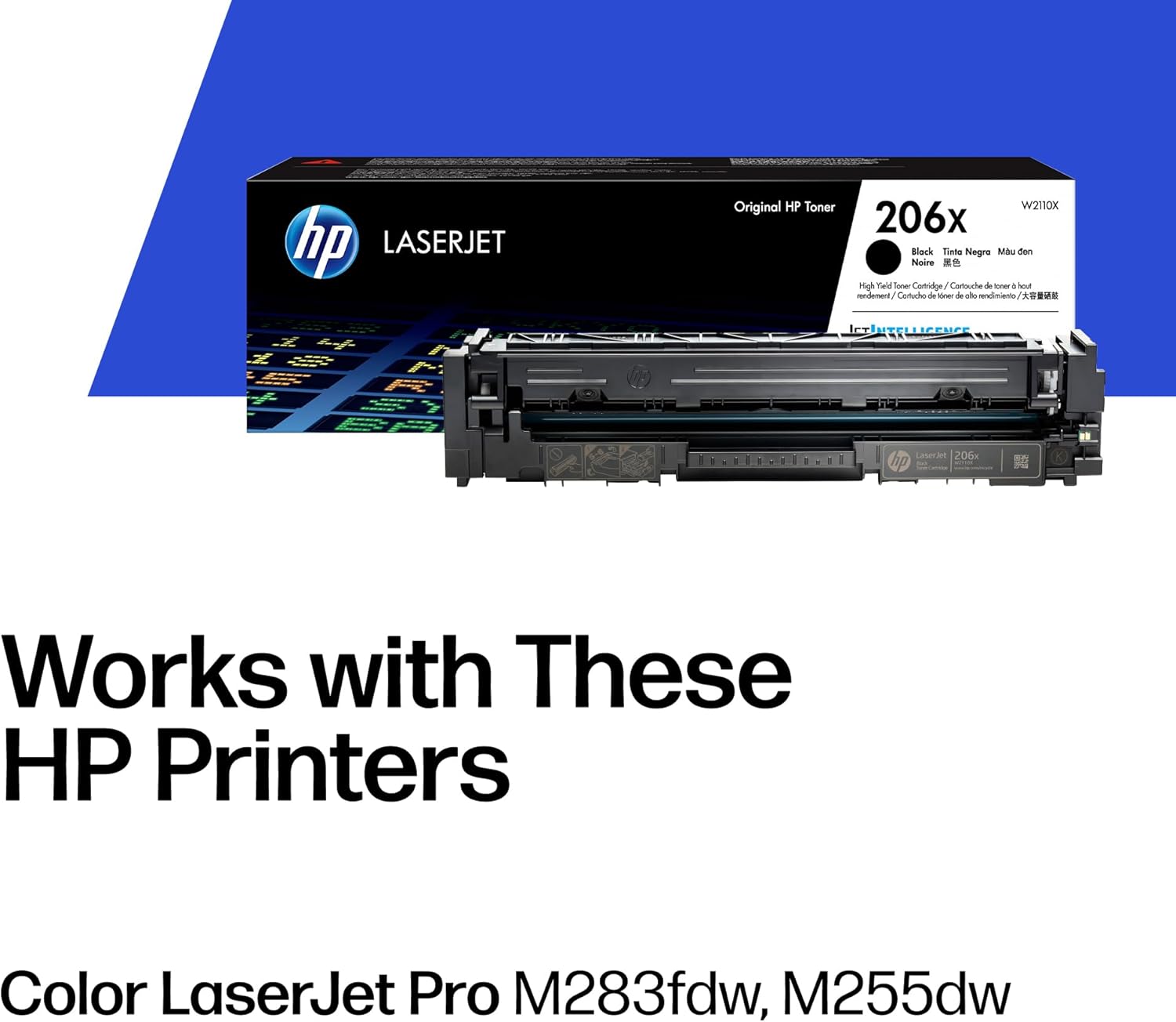
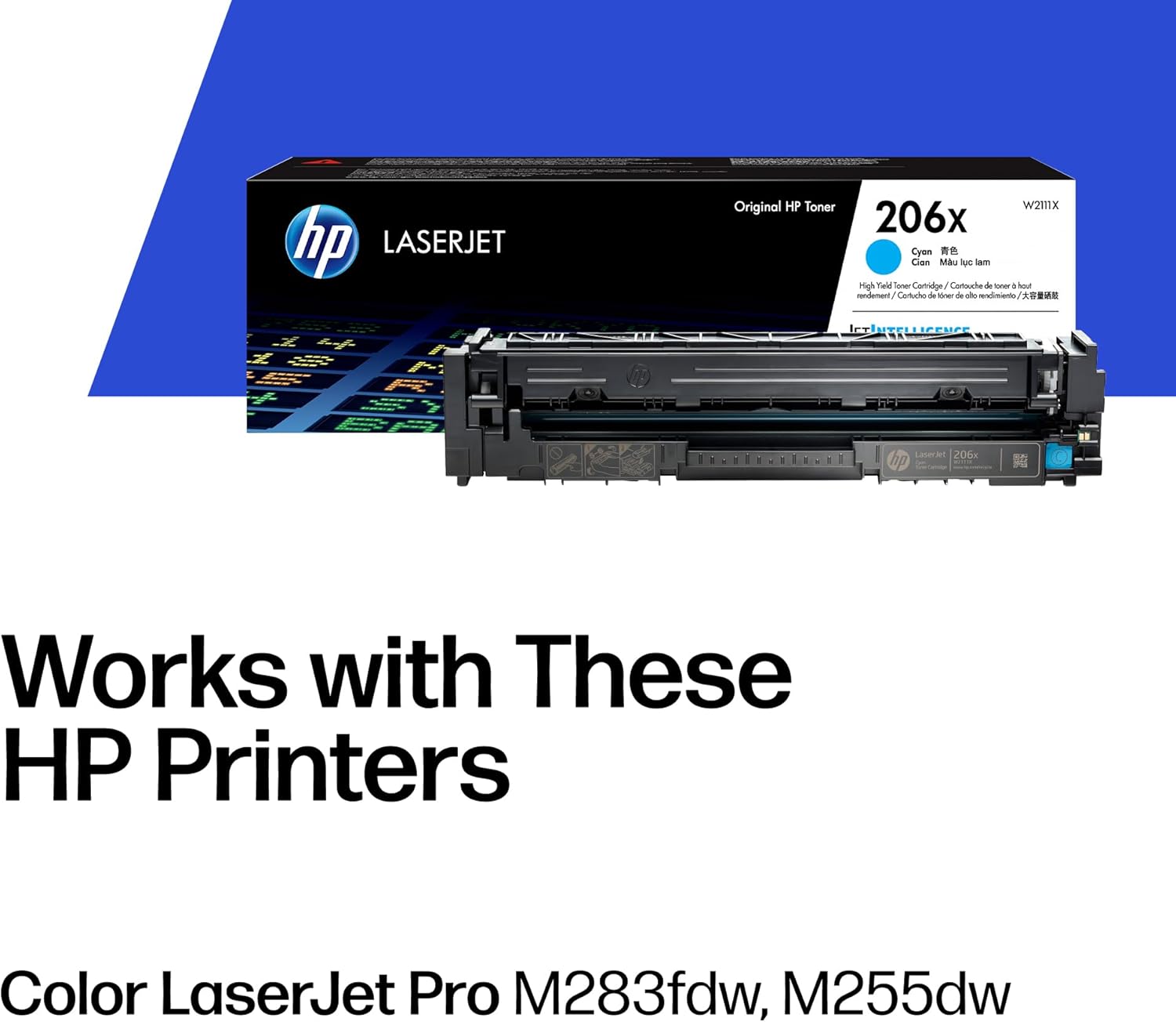
HP 206X cartridges (part numbers W2110X, W2111X, W2112X, and W2113X for black, cyan, magenta, and yellow respectively) are designed for the HP Color LaserJet Pro M283 series — primarily the M283fdw and M283cdw. The M283 launched in 2020 and has been a fixture in small-office environments ever since. TechRadar’s review of the HP Color LaserJet Pro MFP M283fdw positioned it as HP’s value-conscious entry into color laser multifunction printers, and the 206X cartridge lineup reflects that: reasonable yields and a modest upfront cost per cartridge.
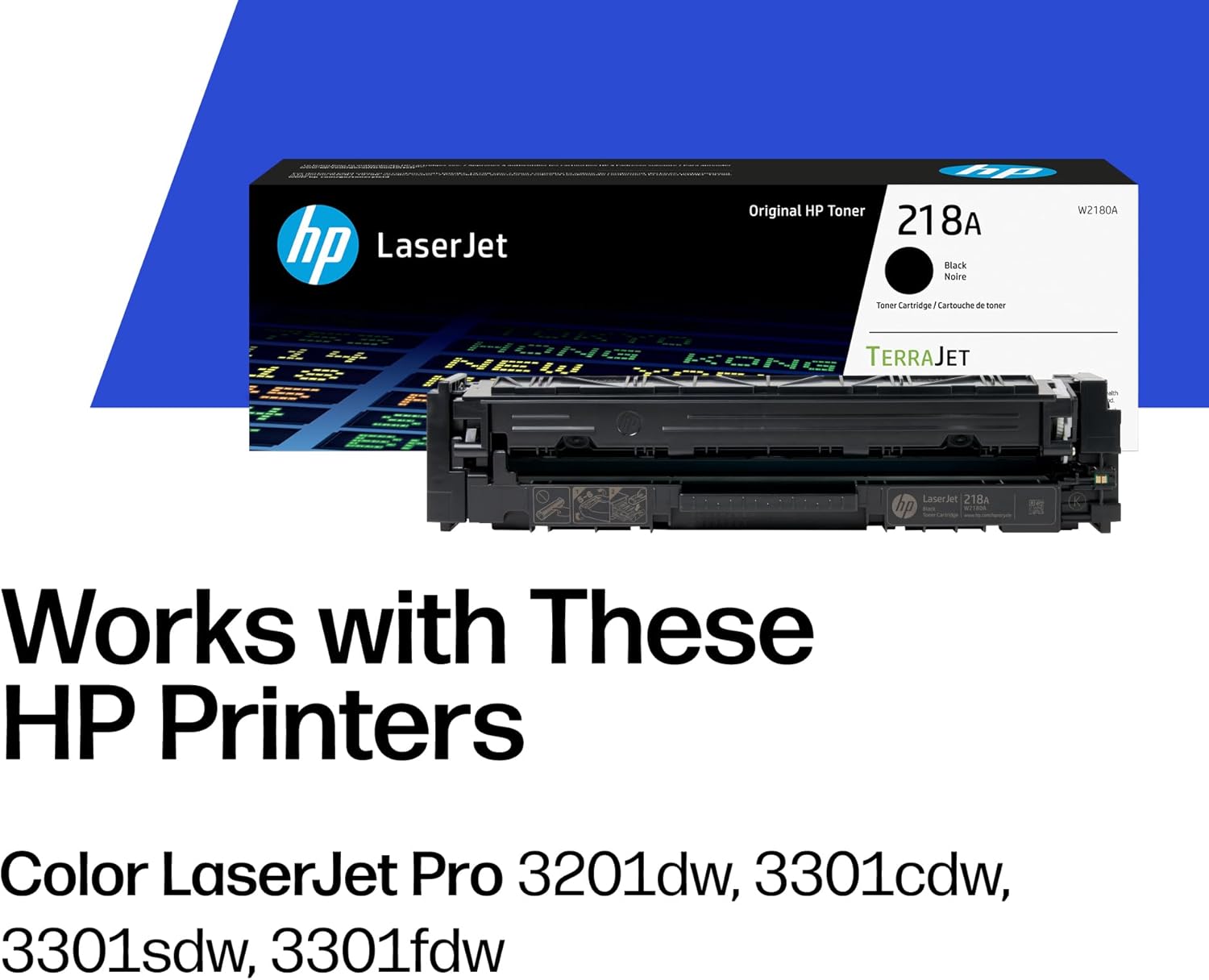
HP 218X cartridges (W2210X, W2211X, W2212X, W2213X) are built for the HP Color LaserJet Pro MFP 3301 series — the 3301fdw and related 3300-family models that HP introduced in 2023 as successors to the M283. PCMag’s review of the HP Color LaserJet Pro MFP 3301fdw highlighted the printer’s faster first-page-out time and updated firmware as meaningful upgrades over its predecessor, but also noted that buyers transitioning from an M283 need to adjust their cartridge ordering entirely. There is no backward compatibility between the two families.
The one-sentence rule: If your printer model number starts with M283, you need 206X. If it starts with 3301 — or anywhere in the 3300 family — you need 218X. Check your printer’s front panel or the label inside the toner access door if you are unsure; it lists the compatible cartridge numbers directly.
The Yield Math: Where the Real Cost-Per-Page Difference Lives
The numbers are where the 206X and 218X actually diverge in ways that affect your supply budget. HP publishes yield figures using the ISO/IEC 19798 standard for color laser cartridge yield testing — the same methodology used as an industry benchmark by Keypoint Intelligence, the organization formerly known as Buyers Laboratory, in their cartridge yield verification work.
HP 206X High-Yield — M283 Series
The 206X black cartridge (W2110X) is rated at 3,150 pages. At an OEM street price of approximately $58–$65 as of mid-2026, that works out to roughly $0.019 per page on black output. The three color cartridges (cyan, magenta, yellow) each carry a 2,450-page rated yield. At approximately $52–$60 per color cartridge, cost per page on color output lands in the $0.022–$0.024 range per color.
For a small office printing under 1,000 pages per month, a single set of 206X high-yield cartridges covers several months of mixed output — making the per-cartridge price feel reasonable even at OEM rates.
HP
$129.89
In stock on Amazon
Check price on AmazonHP 218X High-Yield — 3301 Series
The 218X black cartridge (W2210X) is rated at 4,500 pages — a 43 percent increase over the 206X black. At an OEM street price of approximately $72–$80 as of mid-2026, that yield advantage pulls the cost per page down to roughly $0.017, meaningfully below the 206X black on a per-page basis. The three 218X color cartridges each carry a 2,800-page rated yield, approximately 14 percent more than their 206X equivalents. At $58–$68 per color cartridge OEM, cost per color page lands in the $0.021–$0.024 range — nearly identical to the 206X color cost-per-page despite the higher upfront price.
The 218X carries a higher sticker price per cartridge. That matters if you are managing cash flow on a tight monthly budget rather than optimizing purely on cost-per-page. But the math on black output — the most frequently replaced cartridge in most offices — favors the 218X clearly.
HP
$139.89
In stock on Amazon
Check price on AmazonSide-by-Side Summary
| Cartridge | Rated Yield | Approx. OEM Price (May 2026) | Cost Per Page |
|---|---|---|---|
| HP 206X Black (W2110X) | 3,150 pages | ~$58–$65 | ~$0.019 |
| HP 206X Color, each (W2111X/12X/13X) | 2,450 pages | ~$52–$60 | ~$0.022–$0.024 |
| HP 218X Black (W2210X) | 4,500 pages | ~$72–$80 | ~$0.017 |
| HP 218X Color, each (W2211X/12X/13X) | 2,800 pages | ~$58–$68 | ~$0.021–$0.024 |
Yield figures per HP Inc. published specification sheets. Prices reflect aggregated retailer data as of May 2026.
HP
$78.89
In stock on Amazon
Check price on AmazonOEM vs. Compatible: What the Aftermarket Actually Looks Like for These Two Families
Both the 206X and 218X have compatible (third-party) cartridge options available, but the market maturity differs significantly between the two families, and that affects your risk calculus.
For the 206X / M283 series: The M283 has been on the market since 2020, giving reputable compatible manufacturers time to reverse-engineer and validate their products. Established suppliers including Clover Imaging Group and LD Products offer compatible 206X cartridges that, based on aggregated owner feedback and independent testing reports, perform reliably for non-color-critical output. The cost case is real: compatible 206X black cartridges often land in the $22–$30 range versus $58–$65 OEM, cutting your cost-per-page on black output roughly in half.
The tradeoff is HP’s firmware update cadence. Digital Trends has covered HP’s use of the Dynamic Security feature across its LaserJet Pro line — a firmware-level mechanism that can block previously functional compatible cartridges after an automatic update. If your M283 receives an automatic firmware update while you are running compatible cartridges, there is a real risk of a compatibility break. The practical mitigation is to disable automatic firmware updates on the M283 via the printer’s Embedded Web Server (accessed through the printer’s IP address on your network) and evaluate each firmware version manually before applying it.
For the 218X / 3301 series: The 3301 series launched in 2023, and the compatible cartridge market is still maturing. As of mid-2026, the selection of third-party 218X cartridges is narrower and independent validation data is thinner than for the 206X. If you are running a 3301-series device and considering compatible cartridges, the honest assessment is this: the savings opportunity is real, but the vetting burden is higher. Stick to suppliers with explicit yield guarantees and a no-questions return policy until the market stabilizes.
For color-critical output on either platform: If your office produces branded materials, client presentations, or any output where color accuracy matters, OEM is the defensible choice on both platforms. Compatible cartridge color output is often acceptable for general office use, but color drift between manufacturing lots is a documented pattern across independent reviews of third-party laser cartridges. For output a client will evaluate, the risk is not worth the savings.
Warranty Exposure: The Clause You Need to Know
HP’s warranty documentation is worth reading before you commit to compatible cartridges on either platform. HP’s official position — consistent across their published warranty materials — is that using non-OEM cartridges does not automatically void your printer warranty. In the United States, the Magnuson-Moss Warranty Act limits a manufacturer’s ability to void a warranty solely on the basis of using third-party consumables, and HP’s warranty language acknowledges this. However, HP reserves the right to deny warranty service for damage it determines was caused by a non-OEM cartridge. Proving causation is difficult in practice, but if a fuser or drum unit fails while you are running compatible cartridges, you may encounter friction on a warranty claim.
For a single M283 or 3301 unit under warranty, that is a manageable risk you can weigh against the cost savings. For a fleet of six to ten units where any given printer might need depot service, it is worth factoring into your total cost of ownership calculation.
The Decision Framework: If X, Then Y
Here is the explicit decision rule this analysis points to:
If you’re running an M283 and print primarily black text at moderate volume (under 1,500 pages per month): Compatible 206X black cartridges from an established supplier, with automatic firmware updates disabled, are a reasonable cost-reduction move. Use OEM or compatible color cartridges based on how color-critical your output is.
If you’re running an M283 and produce color-critical or client-facing output: Go OEM 206X across all four colors. The color consistency justifies the premium, and the per-cartridge price gap between OEM and compatible is narrower on color than on black.
If you’re running a 3301-series printer: Run OEM 218X now and revisit compatible options in six to twelve months as third-party validation data accumulates. The 218X black’s higher yield — 4,500 pages versus 3,150 for the 206X — softens the OEM cost-per-page enough to make patience affordable.
If you’re managing a mixed fleet of M283 and 3301 units: Standardize your ordering process so the two cartridge families are never stored together. The part numbers are similar enough — W211xX versus W221xX — that receiving errors are a genuine operational hazard. Use separate labeled storage or color-coded bin tags.
If you’re sourcing at volume: HP sells black-plus-three-color combo configurations for both the 206X and 218X families at major resellers, and these multi-pack sets typically run 8–12 percent below individual cartridge pricing. That is your cost floor before entering compatible territory, and it is worth hitting that floor first.
Your Next Step
Pull up your current toner order history and confirm which cartridge family you are actually ordering. M283 buyers occasionally find they have been quoted 218X pricing by a distributor who did not catch the model difference, or vice versa. Once you have confirmed your series, the yield math above gives you a cost-per-page baseline to benchmark any compatible quote against.
Ready to shop? Below are OEM and premium compatible options for both the 206X and 218X families, with yields matched to the numbers in this guide.
[HP 206X High-Yield Black Toner — W2110X — OEM]
[HP 206X Cyan/Magenta/Yellow High-Yield Combo — OEM]
[HP 218X High-Yield Black Toner — W2210X — OEM]
[HP 218X Cyan/Magenta/Yellow High-Yield Combo — OEM]
For a deeper look at HP’s firmware update history and how it affects compatible cartridge compatibility across the full LaserJet Pro line, the HP Firmware and Compatible Cartridge Compatibility guide here on TonersForSale walks through version history and mitigation steps in detail.