If your HP Color LaserJet Pro has been part of your workflow for a while, you already know the pain point: replacement toner arrives, you scan the cartridge number, and suddenly you’re not sure whether you need an HP 202X or an HP 410X — or whether the distinction even matters for your machine. It matters a lot. These two cartridge families look similar on the shelf and share the same color lineup (black, cyan, magenta, yellow), but they are not interchangeable. The 202X is a high-yield toner series built specifically for the HP Color LaserJet Pro M254 and M281 families. The 410X is a high-yield series built for the M452 and M477 families. “High-yield” means these cartridges hold more toner than the standard version, so you print more pages before replacing them — which almost always lowers your cost per page (CPP), the real number that decides whether your supply budget is working for you or against you.
This guide gives you the head-to-head math on both series, maps each cartridge to its correct printer, and walks you through the OEM-versus-compatible decision with explicit tradeoffs at every price tier. By the end, you’ll have a clear decision rule based on your volume and risk tolerance.
Which Cartridge Goes in Which Printer — and Why It’s Not Negotiable
Before the cost math, lock in compatibility — buying the wrong family wastes money even if the price looks right.
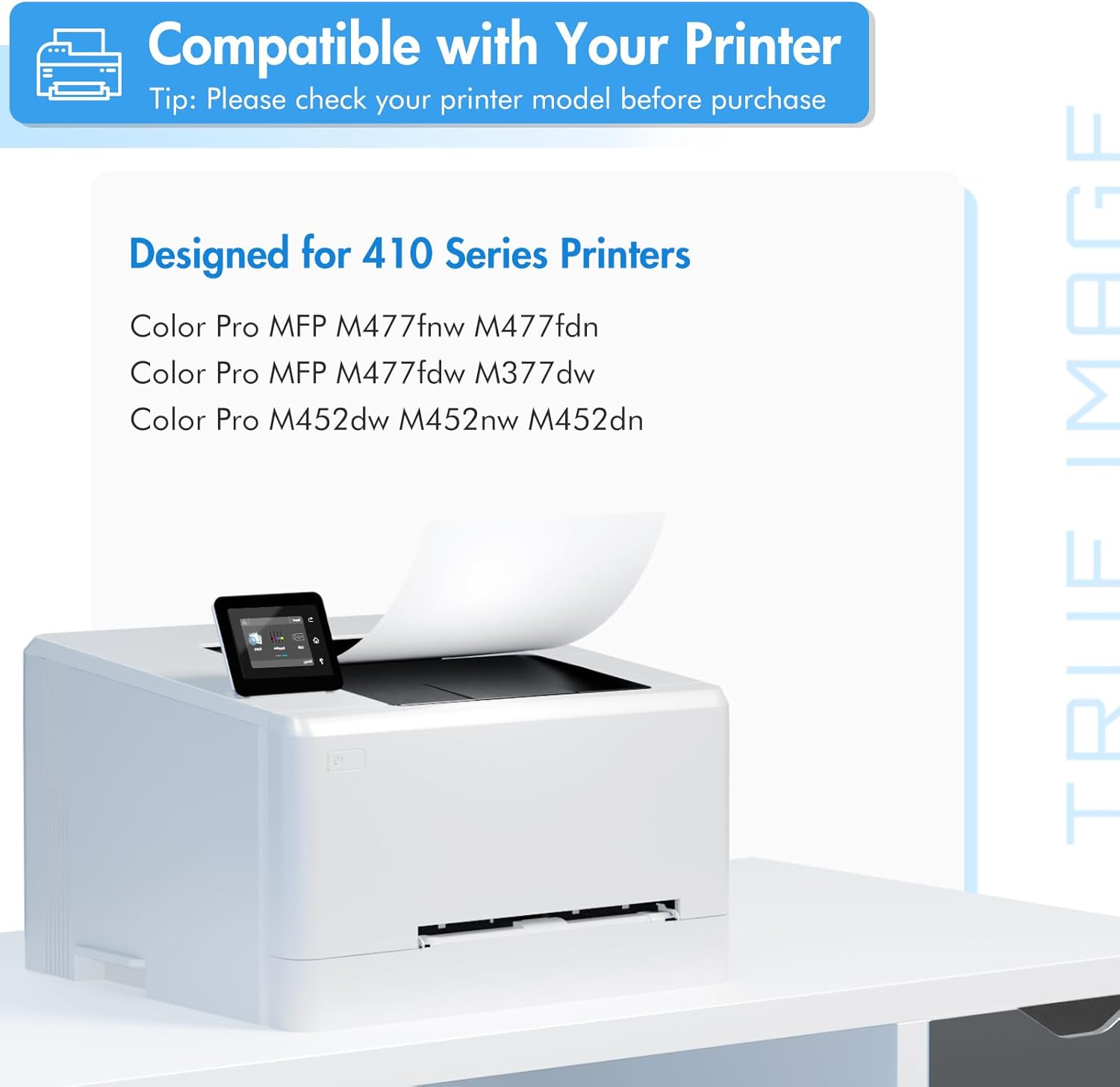
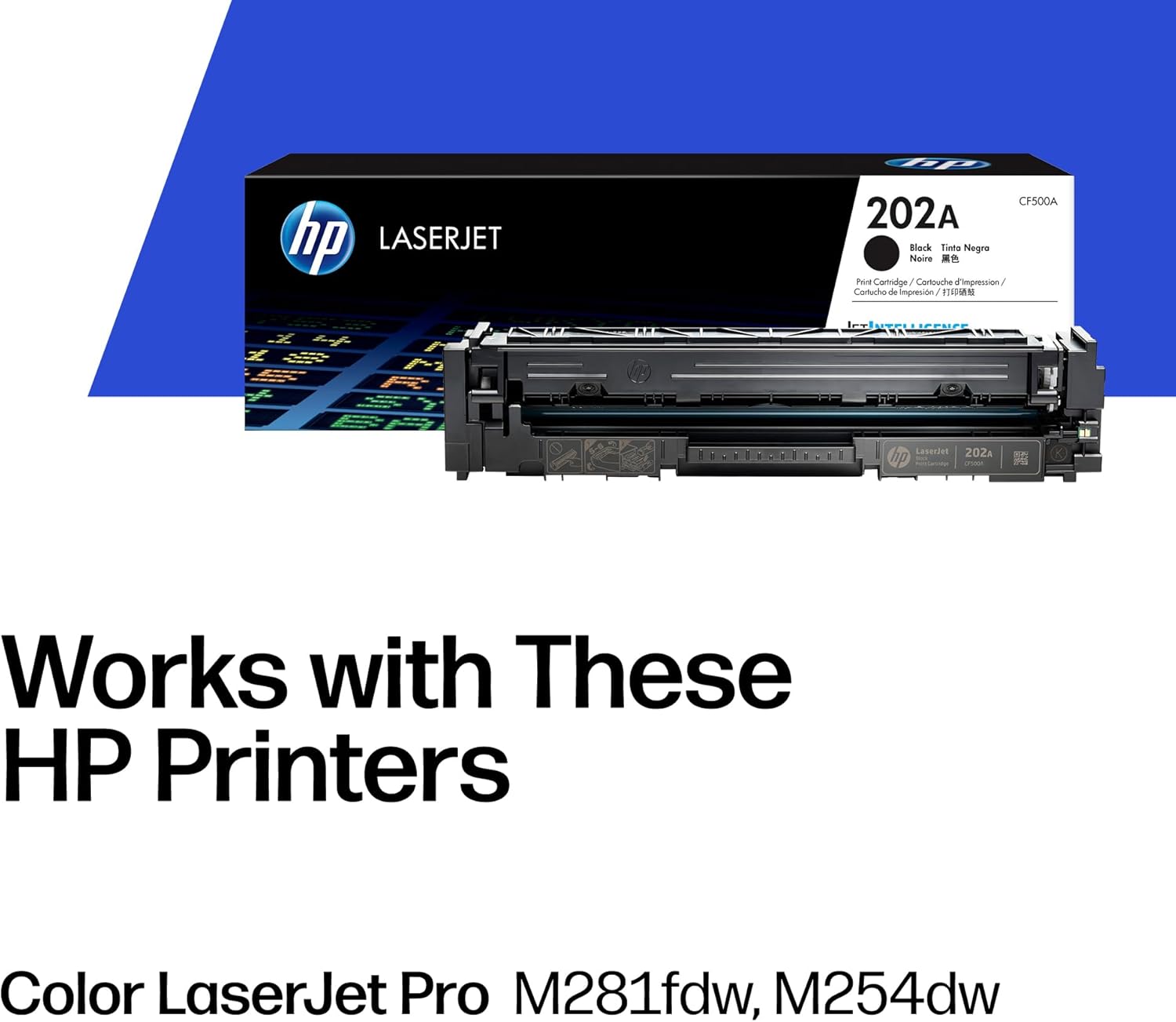
HP 202X series (CF500X, CF501X, CF502X, CF503X) is compatible with:
- HP Color LaserJet Pro M254dw / M254nw
- HP Color LaserJet Pro MFP M281cdw / M281fdn / M281fdw
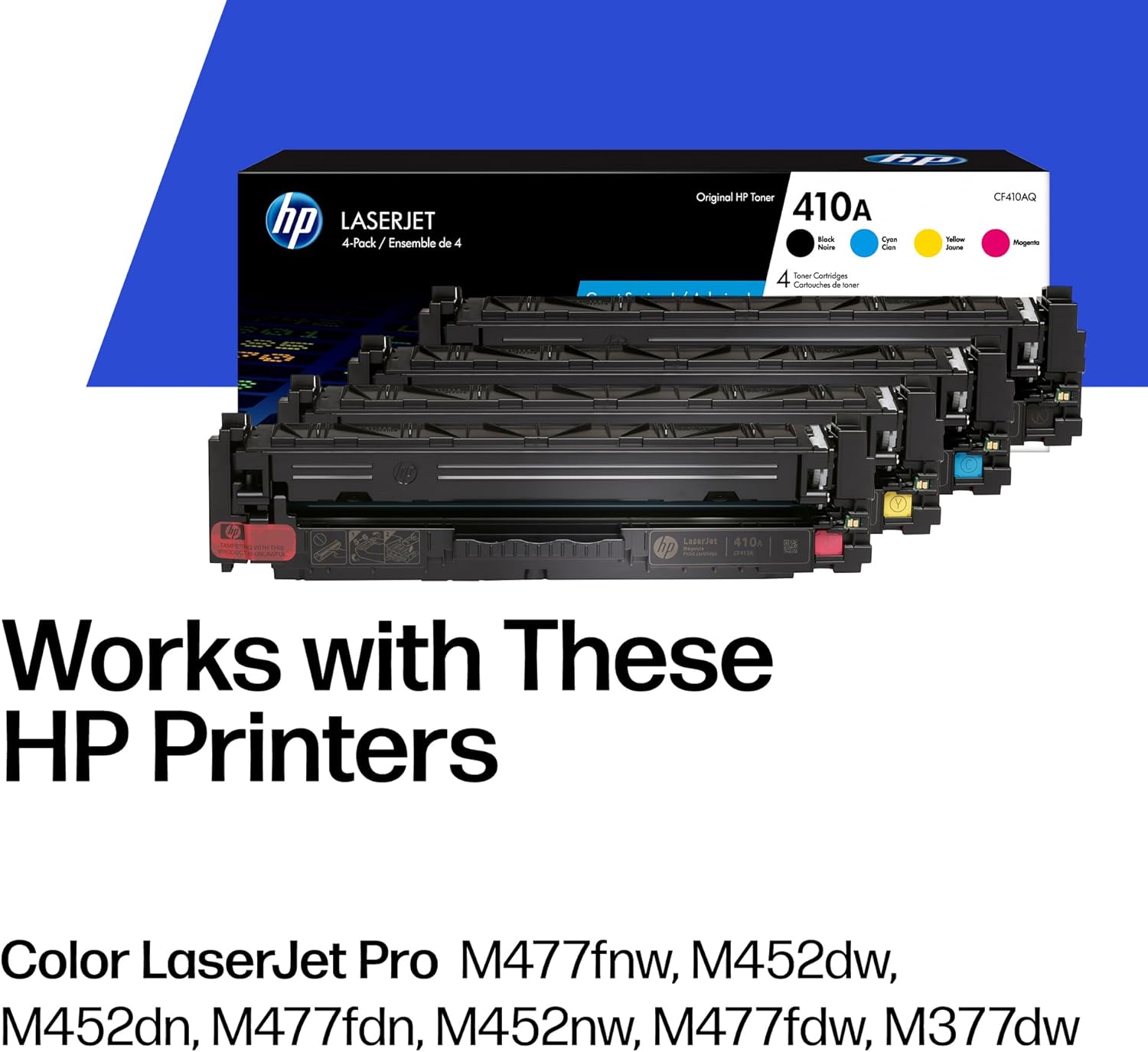
HP 410X series (CF410X, CF411X, CF412X, CF413X) is compatible with:
- HP Color LaserJet Pro M452dn / M452dw / M452nw
- HP Color LaserJet Pro MFP M477fdw / M477fdn / M477fnw / M477dw
These two families use different toner formulations and different drum engagement geometry. Per HP Inc.’s official product specification sheets for both families, cross-compatibility is explicitly unsupported. The cartridges are shaped similarly enough that a mislabeled third-party unit can sometimes seat in the wrong machine — but the printer’s firmware will reject it or misreport yield. If you’re managing a mixed fleet of M281s and M477s, you need both SKU families stocked separately. Mixing them up is a common procurement error in small fleets that runs up both replacement costs and helpdesk time.
The Cost-Per-Page Math: 202X vs. 410X Side by Side
“Cost per page” is calculated by dividing the cartridge purchase price by its rated page yield — measured at 5% ink coverage, the ISO standard for laser toner, meaning an average business document with text and modest graphics.
HP 202X: Entry and SOHO Volume Tier
The 202X series is designed for printers that HP rates at up to 40,000 pages per month (for the M281fdw, per HP Inc.’s official product specification sheet). The yield numbers reflect that moderate-volume positioning.
| Cartridge | Color | Rated Yield | Avg. OEM Price | CPP (OEM) |
|---|---|---|---|---|
| HP 202X Black (CF500X) | Black | 3,200 pages | ~$52 | ~1.6¢ |
| HP 202X Cyan (CF501X) | Cyan | 2,300 pages | ~$58 | ~2.5¢ |
| HP 202X Magenta (CF503X) | Magenta | 2,300 pages | ~$58 | ~2.5¢ |
| HP 202X Yellow (CF502X) | Yellow | 2,300 pages | ~$58 | ~2.5¢ |
Yields per HP Inc. official specification sheets. Street prices reflect May 2026 averages across authorized resellers.
At OEM pricing, a full 202X CMYK set runs approximately $226. For a home office or small team printing under 1,500 color pages per month, the per-page cost is manageable — but color CPP at 2.5¢ adds up quickly at higher volumes.
410A
$51.92
In stock on Amazon
Check price on AmazonHP 410X: Mid-to-High Volume Office Tier
The 410X series is built for a platform HP rates at up to 50,000 pages per month (for the M477fdw, per HP Inc.’s official product specification sheet). The yield gap versus 202X is significant.
| Cartridge | Color | Rated Yield | Avg. OEM Price | CPP (OEM) |
|---|---|---|---|---|
| HP 410X Black (CF410X) | Black | 6,500 pages | ~$78 | ~1.2¢ |
| HP 410X Cyan (CF411X) | Cyan | 5,000 pages | ~$82 | ~1.6¢ |
| HP 410X Magenta (CF413X) | Magenta | 5,000 pages | ~$82 | ~1.6¢ |
| HP 410X Yellow (CF412X) | Yellow | 5,000 pages | ~$82 | ~1.6¢ |
Yields per HP Inc. official specification sheets. Street prices reflect May 2026 averages across authorized resellers.
The 410X black cartridge is rated for more than double the pages of the 202X black — 6,500 versus 3,200. The 410X color CPP runs roughly 35% lower than 202X color at matched OEM pricing. For a small office printing 3,000 color pages per month, that gap translates to roughly $90–$120 in annual toner savings on color alone — just by being on the right platform with OEM supplies.
HP
$88.89
In stock on Amazon
Check price on AmazonPlatform and Cartridge Tier: Choosing the Right Comparison Frame
It’s worth being explicit: the 202X and 410X are not competing products — you cannot choose between them. Your printer model determines which family you use. What you can choose is whether to buy OEM or compatible within your family, and at what volume threshold that decision changes. The cost comparison above gives you the OEM baseline; the section below gives you the aftermarket picture.
HP
$561.89
In stock on Amazon
Check price on AmazonOEM vs. Compatible: Where Each Cartridge Series Stands in 2026
The compatible (aftermarket) toner market for both families is active and relatively mature. Here is how to think about the tradeoffs at each budget tier.
HP 202X: Compatible Options and Risk Profile
Because the M254 and M281 are mid-range consumer-to-SOHO printers, the compatible market for 202X is dense and competitive. Keypoint Intelligence (formerly Buyers Laboratory), in its Color LaserJet Pro cartridge yield verification reports, has documented generally acceptable yield accuracy from established compatible manufacturers for this series, though color accuracy on cyan and magenta has shown more variance than black-only pages in aggregated testing.
At the home office end, compatible 202X CMYK sets typically land in the $28–$45 range versus $220–$230 for a full OEM set. Owners consistently report acceptable text output on compatibles for this series, with the caution that color-critical work — marketing materials, client-facing presentations with brand colors — can show noticeable hue drift compared to OEM.
At the small-business end, premium compatible lines from manufacturers such as Katun and Clover Imaging, available through authorized resellers, price a 202X color set in the $80–$110 range and include tighter manufacturing tolerances. According to Keypoint Intelligence’s cartridge yield verification reports for this product family, premium-tier compatible cartridges in this class have shown yield accuracy within 8–10% of rated yield, a meaningful improvement over off-brand compatibles, which can show variance of up to 20–22%.
202X decision rule:
- Primarily text and internal documents, under 1,000 pages/month → a premium compatible (Katun, Clover) is defensible on CPP grounds.
- Client-facing color output or brand-matched materials → OEM 202X is the lower-risk path; color drift on compatibles is not priced in at checkout.
HP 410X: Compatible Options and Firmware Risk
The 410X compatible market is also mature, but the stakes are higher because M452 and M477 machines are more likely to be running in managed print environments or creative workflows. In PCMag’s review of the HP Color LaserJet Pro M477fdw, the printer’s strong color output is called out as a core differentiator — and that output is calibrated to OEM toner profiles.
Compatible 410X CMYK sets from major aftermarket brands run approximately $55–$90 versus $320–$340 for OEM. The per-page savings are real: at 20,000 pages monthly, the difference between a compatible set at $70 and OEM at $324 represents roughly $1,400 in annual savings — material enough to warrant a structured evaluation rather than a reflexive OEM-only policy.
However, TechRadar’s review of the HP Color LaserJet Pro M452dn notes that HP’s firmware update cadence for this platform has historically included supply-chain authentication checks that can flag third-party cartridges. As of May 2026, HP’s Dynamic Security implementation applies to this product family. HP Inc.’s own warranty documentation states that using non-HP cartridges does not void the printer warranty under U.S. law (consistent with the Magnuson-Moss Warranty Act), but firmware updates can block specific compatible cartridge chips until those chip manufacturers push an update. A firmware push on a Friday afternoon can take a fleet offline until compatible chip updates propagate — a liability in managed print environments with uptime SLAs.
410X decision rule:
- Managed print contract with uptime SLAs → OEM 410X is the operationally safe choice; the firmware compatibility risk is a liability, not just an inconvenience.
- Small business with IT-managed update policy (you control when firmware pushes happen), primarily internal text-heavy documents → a vetted premium compatible from Katun or Clover with an active chip-update support guarantee is worth a structured 90-day trial against a CPP benchmark.
- Color fidelity is part of your deliverable (design studio, marketing agency, client proofing) → OEM only; the ICC profile alignment between OEM toner and HP’s driver stack is not replicated by compatible manufacturers at equivalent price points.
Multi-Pack Economics and Seasonal Buying Windows
Both the 202X and 410X families are available in combo packs — typically a 4-pack CMYK set — through authorized HP resellers. For the 410X, HP also offers a dual-pack black (CF410XD) that is useful if your black cartridge turnover runs roughly 2:1 against color, which is common in text-heavy office environments.
OEM HP toner historically sees its deepest discounts in two windows annually: late Q4 (October–November), tied to commercial procurement cycles and year-end budget flush, and late Q1 (February–March), tied to post-holiday inventory clearance at major resellers. Timing a 3–6 month bulk purchase to one of those windows typically yields 12–18% off standard pricing on OEM 4-packs. At 410X volume pricing, that is $40–$60 in savings per CMYK set — worth building into your supply calendar if you are not in an emergency restock situation.
If X, Then Y: Your Decision Rule
After walking through the specs, the CPP math, and the compatibility landscape, here is the framework in plain language.
If you own an M254 or M281: You are in the 202X family, full stop. At moderate volumes (under 1,500 color pages/month), a premium compatible is worth a head-to-head trial if your output is internal-facing. If you print client materials or color-critical work, stick with OEM and buy in 4-packs during Q4 or Q1 pricing windows.
If you own an M452 or M477: You are in the 410X family. The CPP advantage over 202X is structural — your platform is built for higher volume. If you operate under managed print with uptime dependencies, OEM is the operationally safe choice. If you control your firmware update schedule and primarily print text-heavy documents, a qualified premium compatible deserves a structured 90-day trial against a CPP benchmark before you commit either way.
If you manage a mixed fleet (M281s and M477s): Stock both families separately, label your storage clearly, and consider whether standardizing on M452/M477 hardware at your next refresh cycle would simplify procurement and reduce per-page color costs across the fleet.
Your clearest next step: use HP’s official cartridge finder tool, available on HP’s support site, to confirm the exact SKU for your specific model variant before you order — the sub-model suffix (dw, fdn, fdw) occasionally changes which combo packs are eligible for instant rebates. Once you have confirmed your SKU, check current OEM 4-pack pricing for your family through authorized resellers, and plan your next bulk purchase around the Q4 or Q1 discount windows described above. The per-page math is straightforward; getting the timing and the tier right is what separates a supply budget that works from one that quietly drains it.