If you’re restocking ink for a Canon PIXMA or an HP DeskJet, you’ve probably already noticed the cartridge aisle — or the product listing page — looks more complicated than it should. “XL,” “XXL,” “high-yield,” two different black cartridges in the same box: it’s a lot. Here’s the plain-English version of what’s happening: printer makers sell the same ink in different yield sizes, where yield means the number of pages a cartridge is rated to print before it runs dry. A standard cartridge might print 180 pages; a high-yield version of the same ink might print 400. The catch is that high-yield cartridges cost more upfront, so whether they’re actually a better deal depends entirely on how much you print. This guide compares two of the most common home-printer ink families — Canon’s PG-243/PGI-280 line and HP’s 67XL — on the numbers that actually matter: page yield, cost-per-page, and whether a compatible (non-brand-name) cartridge is worth the risk in your setup.
The Cartridge Families, Decoded
Before you can compare, you need to know what you’re actually looking at on the shelf.
Canon PG-243 / CLI-244 (PIXMA TS and MG series) The PG-243 is a pigment-based black cartridge — pigment ink sits on top of the paper rather than soaking in, which makes text sharper and more water-resistant. The CLI-244 is a dye-based color cartridge. Together, they’re the standard ink set for entry-level Canon PIXMA models like the TS3520, TS3522, and MG2522. Canon also sells this pair as a combo pack. Neither has an “XL” high-yield variant — the 243/244 line is standard yield only, which is an important constraint we’ll come back to.
Canon PGI-280 / CLI-281 (PIXMA TS6000 and TR series) These replace the 243/244 in mid-tier Canon PIXMAs — models like the TS6420a, TR8620a, and TS9520. The key upgrade: the PGI-280 does come in an XXL variant (PGI-280XXL), and the CLI-281 comes in both XL and XXL. This line also adds a separate photo blue ink slot on five-ink models. Per Canon USA’s official cartridge specification sheet, the PGI-280XXL is rated at approximately 600 pages (black), versus 400 for the standard PGI-280. The CLI-281XL color cartridges are rated around 830 pages each.
HP 67 / 67XL (DeskJet 2700, 4100, ENVY 6000 series) HP’s 67XL is a high-yield version of the standard HP 67. Per HP Inc.’s published cartridge specification document, the 67XL black is rated at approximately 240 pages; the standard HP 67 black is rated at roughly 120 pages. The color 67XL lands around 200 pages. These numbers apply to the DeskJet 2755e, 4155e, ENVY 6455e, and related models — a large installed base.
Side-by-Side Comparison: Three Tiers of Buyer
This is where the cartridge families diverge most clearly. Rather than a flat table, it helps to map each option to a buyer profile.
Entry-Level / Low-Volume: Canon PG-243 or HP 67 Standard
If you print fewer than 30 pages a month — school forms, the occasional boarding pass, a recipe — the standard-yield cartridges in both families are the right call. You won’t outpace the cartridge before it risks drying in storage, and you won’t tie up cash in a high-yield cartridge that never gets finished.
| Cartridge | Rated Yield (Black) | Approx. Street Price (OEM, May 2026) | Cost Per Page |
|---|---|---|---|
| Canon PG-243 | ~180 pp | ~$12–$14 | ~$0.07–$0.08 |
| HP 67 (standard) | ~120 pp | ~$15–$17 | ~$0.13 |
The Canon PG-243 already wins on per-page economics at this tier — even without an XL option, its pigment-black yield at a $12–$14 price point is more efficient than the HP 67 standard. For households on a Canon TS3520 or MG2522 with no XL upgrade path, this is the ceiling, and it’s a reasonable one.
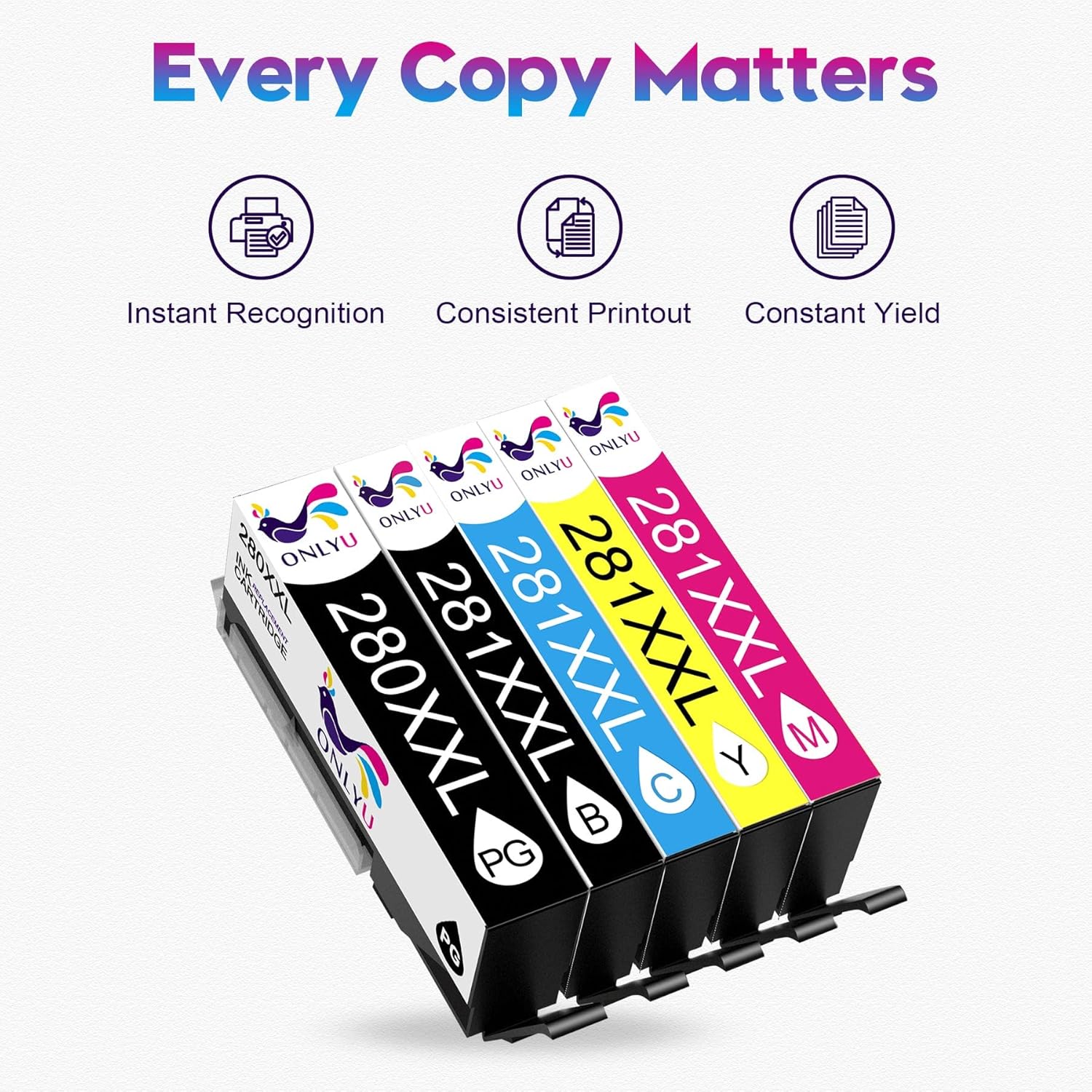
ONLYU
$15.98
In stock on Amazon
Check price on AmazonMid-Range / Moderate Volume: HP 67XL
For households printing 30–75 pages a month on an HP DeskJet 2755e, 4155e, or ENVY 6455e, the HP 67XL is the correct cartridge — the per-page cost drops meaningfully compared to the standard 67, and at this volume you’ll cycle through the cartridge fast enough to avoid the drying-in-storage problem.
| Cartridge | Rated Yield (Black) | Approx. Street Price (OEM, May 2026) | Cost Per Page |
|---|---|---|---|
| HP 67XL | ~240 pp | ~$22–$25 | ~$0.09–$0.10 |
At roughly double the yield for a ~50% price premium over the standard HP 67, the XL math is sound once you’re consistently using more than 30 pages a month. Below that threshold, you’re paying the XL premium to store ink, not print with it. PCMag’s Best Home Printers review roundup (2025 edition) flags this same inflection point, noting that high-yield cartridges are frequently overbought by households that print fewer than 200 pages a month total across all cartridge colors.
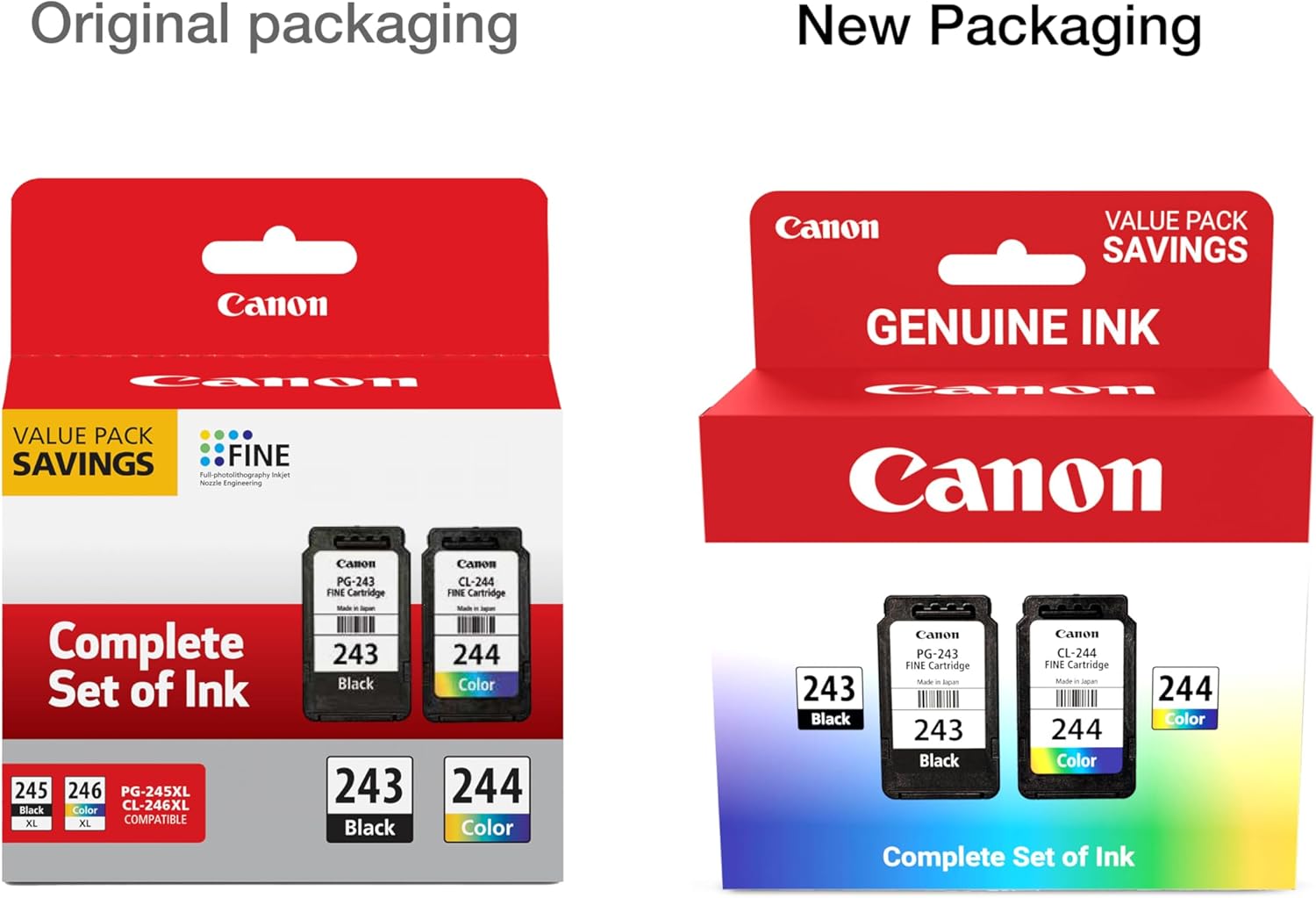
Canon
$36.00
In stock on Amazon
Check price on AmazonHigh-Yield / Best Per-Page Value: Canon PGI-280XXL
For anyone on a Canon TS6420a, TR8620a, or TS9520 printing 30 or more pages a month, the PGI-280XXL is among the best per-page values in consumer inkjet. Nothing else in this comparison gets close at ~$0.04 per black page.
| Cartridge | Rated Yield (Black) | Approx. Street Price (OEM, May 2026) | Cost Per Page |
|---|---|---|---|
| Canon PGI-280XXL | ~600 pp | ~$22–$26 | ~$0.04 |
That’s roughly twice the yield of the HP 67XL for a similar or slightly higher upfront cost. At 75+ pages a month, the annual ink savings between these two platforms can exceed $40–$60 on black alone — not trivial for a household printer. Wirecutter (New York Times), in their updated Best All-in-One Printer review, observes that per-page cost is the figure that compounds most for moderate home-office users, and the PGI-280XXL tier illustrates exactly why.
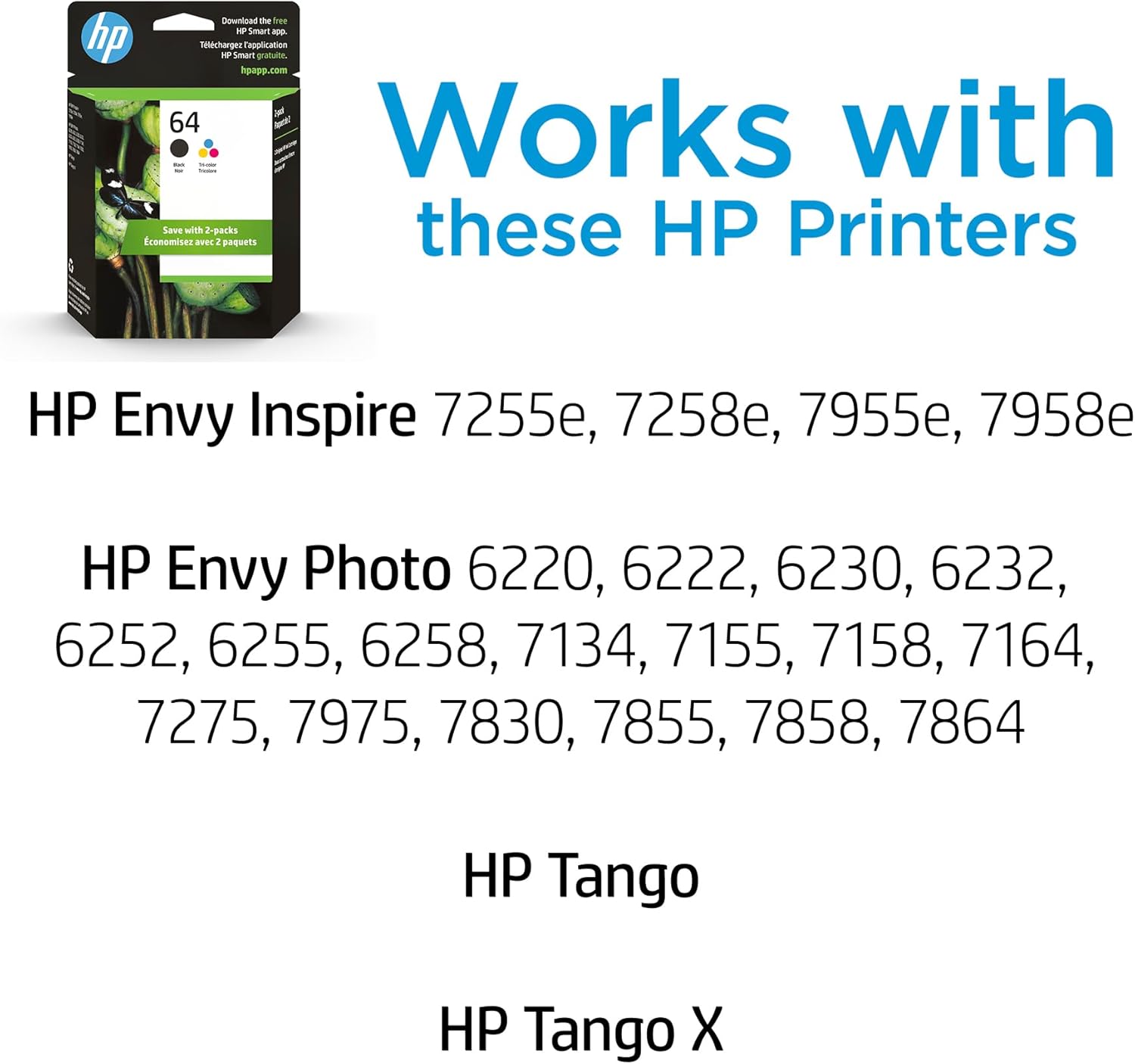
HP
$55.89
In stock on Amazon
Check price on AmazonThe Volume Threshold: When XL Actually Pays Off
Most ink cartridges carry a manufacturer-recommended use window of 6–24 months once opened, and pigment-based blacks (like the PG-243 and PGI-280) tend to hold longer in storage than dye-based color cartridges. But if you’re printing 20–30 pages a month, a standard cartridge might last 6–9 months; a high-yield version of the same ink could stretch 18 months or more. At that point, the cartridge may dry before you finish it, and any per-page savings evaporate.
The breakeven logic:
- Fewer than 30 pages/month: Standard yield is usually safer. You won’t waste ink, and you won’t tie up cash in a cartridge that dries before it’s empty.
- 30–75 pages/month: High-yield starts to make sense. The PGI-280XXL or HP 67XL earns its upfront premium within 3–4 refill cycles.
- 75+ pages/month: Go high-yield without hesitation. At this volume, a home-office printer is behaving more like a light small-business unit, and the cost-per-page difference compounds quickly.
Digital Trends’ Best Printers for Home Use guide (updated 2025) reinforces this framing, noting that the “right” cartridge size is less about the printer model and more about honest self-assessment of monthly page volume.
Compatible Cartridges: The Real Tradeoff
Compatible (also called “third-party” or “aftermarket”) cartridges are made by companies other than Canon or HP to fit the same printer slots. The price difference is real — compatible versions of the PG-243 or HP 67XL typically run $5–$10 per cartridge versus $12–$25 OEM. The tradeoffs are also real.
What you gain with compatible cartridges:
- Lower upfront cost, often 40–60% below OEM pricing for the PG-243/244 and HP 67/67XL ranges
- Suppliers like LD Products and CompAndSave carry these lines with satisfaction guarantees and return policies that reduce the risk of a bad batch
- For straightforward document printing — black text, occasional color charts — quality differences are often negligible
What you risk:
Firmware. Both Canon and HP have histories of printer firmware updates that trigger “cartridge not recognized” errors on compatible inks. HP’s Dynamic Security feature — covered in depth in TechRadar’s Best Inkjet Printers 2025 buying guide — has been a recurring issue across the DeskJet and ENVY lines. Canon’s approach is less aggressive but not immune; PIXMA firmware updates have occasionally blocked third-party cartridges in the TS and TR series. If your printer auto-updates firmware, a compatible cartridge that worked last month may not work next month. Disabling auto-update is the most practical mitigation on either platform.
Color accuracy. For document printing, this rarely matters. For photos or anything where you’re matching on-screen color, OEM cartridges use ink formulations calibrated to Canon’s or HP’s ICC profiles. Compatible inks may produce subtly warmer or cooler results. Most home users won’t notice; anyone printing for display or client review should test carefully before committing.
Warranty. Canon and HP cannot void your printer warranty solely because you used a third-party cartridge — that protection exists in the U.S. under the Magnuson-Moss Warranty Act. However, if a compatible cartridge damages the print head, the manufacturer may dispute coverage for that specific repair. Both the PIXMA and DeskJet lines in these series use fixed print heads integrated into the printer carriage rather than the cartridge itself, which means a bad ink batch can cause more lasting damage than it would on a cartridge-integrated print-head design.
Compatible suppliers worth knowing: LD Products and CompAndSave both carry the PG-243/244, PGI-280/CLI-281, and HP 67/67XL families with return policies and customer support — meaningful differentiators from no-name marketplace listings.
If X, Then Y: Your Decision Rules
Canon TS3520 / MG2522 (PG-243/CLI-244), under 30 pages/month: Buy standard OEM or a reputable compatible. There’s no XL option, and at low volume the OEM price-per-page is already reasonable. Disable firmware auto-update if you want to preserve compatible cartridge access.
Canon TS6420a / TR8620a (PGI-280/CLI-281), 30+ pages/month: The PGI-280XXL multipack OEM is one of the better per-page values in consumer inkjet — ~$0.04/page black. Compatible options are viable for document-only use, but test a single cartridge before stocking up on multiples.
HP DeskJet 2755e / 4155e / ENVY 6455e (HP 67XL), under 30 pages/month: The HP 67 standard is the safer buy — fewer pages before expiry risk. Avoid Instant Ink subscription unless you’ll consistently use a predictable monthly volume. Compatible 67XL cartridges exist, but HP’s firmware update cadence on the DeskJet 4100 and ENVY 6000 series makes compatible cartridges a higher-risk choice than on the Canon side.
HP 67XL printer, 50+ pages/month: The 67XL OEM earns its premium at that volume. If you want to try compatible, LD Products’ HP 67XL replacements have consistent enough reviews to be worth a single-cartridge test before committing to a multipack.
Color accuracy matters (photos, client work): OEM only, on either platform. The ICC profile fidelity gap between OEM and compatible is widest in photo and saturated color output.
Next Step
The fastest way to confirm which cartridge number your specific printer model takes — and to compare OEM versus compatible pricing side by side — is to use the cartridge compatibility search on this site. Enter your printer model (e.g., “Canon TS6420a” or “HP DeskJet 4155e”) and you’ll get a filtered list of OEM and compatible options with current pricing, yield data, and compatibility notes.
Shop Canon PGI-280XXL combo packs — HP — $55.89
Shop HP 67XL black + color combo packs — Canon — $36.00
Shop LD Products compatible HP 67XL — ONLYU — $15.98