If you manage a Canon imageCLASS color laser printer — a machine that uses dry powder called toner (rather than liquid ink) to fuse text and images onto paper — you’ve probably noticed that Canon sells several different toner series for what look like very similar printers. Toner cartridges are model-specific: put the wrong series in your machine and it physically won’t seat, or the printer’s chip-reader will reject it. The three series you’re most likely to encounter right now are the 067, 069, and 075, and they are not interchangeable. This guide exists to end the guesswork. By the end you’ll know exactly which series your printer takes, what the yield differences mean in real dollars-per-page, and whether OEM or a premium compatible line makes the most sense for your volume. No spec-sheet archaeology required.
Why Canon Has Three Separate Toner Series (and Why It Matters to You)
Canon doesn’t create new toner series arbitrarily. Each one is engineered around a specific print engine — the physical drum-and-fuser assembly inside the printer. That’s why you can’t cross-pollinate: a 067 cartridge has a different form factor, chip signature, and yield profile than a 069, even though both are color toner for imageCLASS machines that look almost identical sitting on a shelf.
Here’s the practical consequence: if you’re managing a fleet of eight imageCLASS units across two office locations, and those units span two or three model generations, you could easily be running two different toner series simultaneously. Ordering the wrong pallet — especially on a net-30 account — is the kind of mistake that delays month-end print runs and generates uncomfortable conversations with facilities managers.
Canon USA’s imageCLASS product specification sheets (current as of Q1 2026) make the series-to-model mapping clear, but the information is buried inside individual model pages rather than presented as a comparison. That’s what this guide fixes.
The Series-to-Printer Map: 067, 069, and 075
Let’s anchor everything to hardware first, then break each series into its own section with the yield and cost data you need to compare them.
Canon 067 Series — MF656Cdw and MF654Cdw
Printer fit: Canon imageCLASS MF656Cdw and MF654Cdw — mid-range color multifunction printers aimed at small-to-mid-size workgroups printing in the 5–15 user range.
According to Canon USA’s published product specification sheets for the MF656Cdw and MF654Cdw, the 067H (high-yield) color cartridge is rated at approximately 1,250 pages per color at 5% coverage, with the black 067H rated at approximately 3,000 pages. Standard 067 variants yield roughly 1,250 pages for color and 2,500 for black.
The 067 series is one of the most widely available Canon imageCLASS toner lines in the compatible market. Premium compatible options from manufacturers such as Katun and Clover Imaging are broadly available and well-tested in long-run environments. Buyers comparing OEM versus compatible in this tier typically find that premium compatible lines price out 30–45% below OEM, with consistent output quality for general office documents.
OEM H-yield 4-pack (CMYK) approximate MSRP: $180–$210
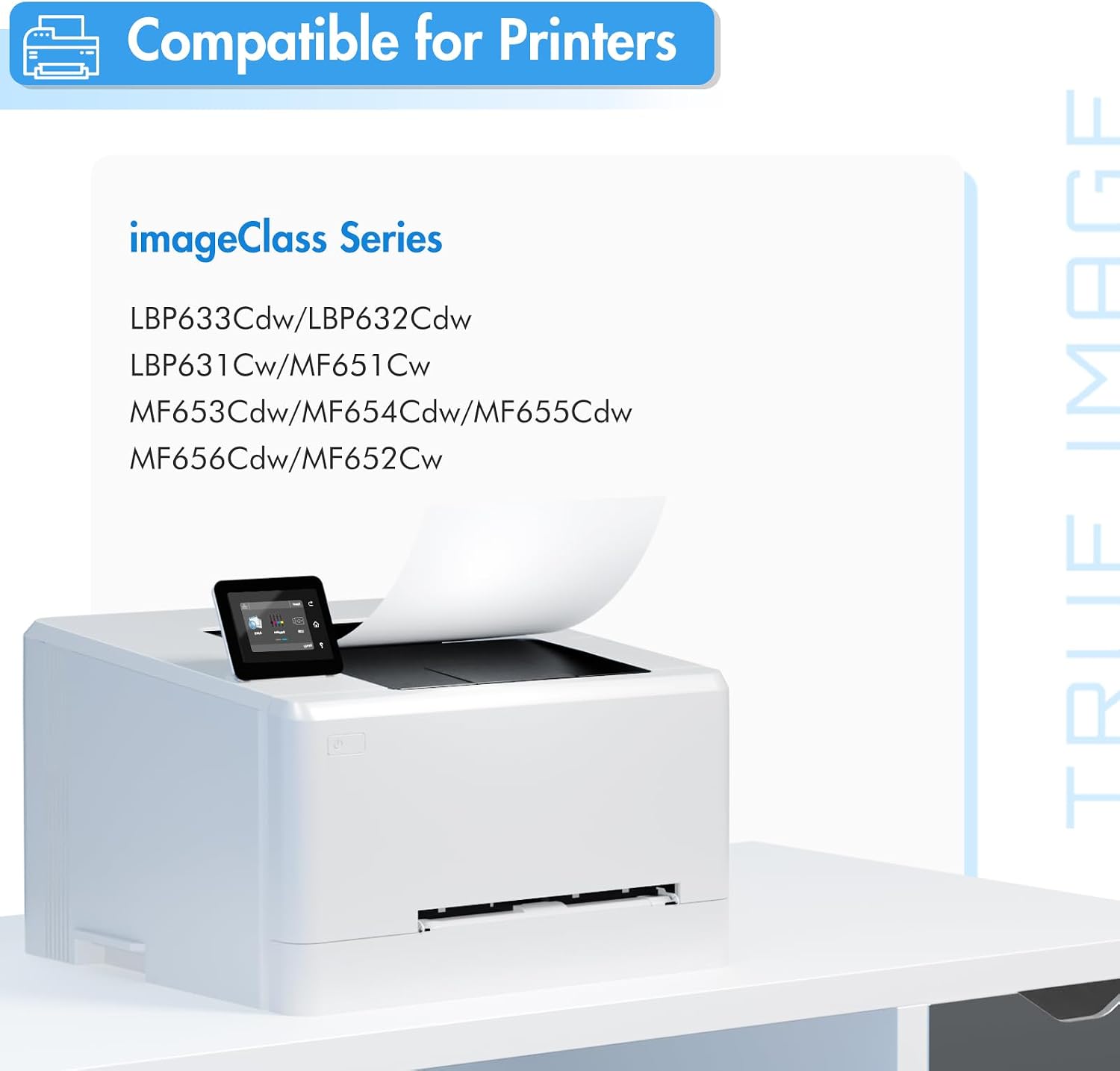
067
$55.95
In stock on Amazon
Check price on AmazonCanon 069 Series — MF753Cdw, MF751Cdw, and LBP674Cdw
Printer fit: Canon imageCLASS MF753Cdw, MF751Cdw, and LBP674Cdw — the step-up workhorses in the imageCLASS color lineup, rated for heavier monthly duty cycles and larger workgroups.
PCMag’s review of the Canon imageCLASS MF753Cdw highlights the machine’s fast first-page output and strong color accuracy, positioning it as a top choice for busy small-office environments. Canon USA’s published specification sheets for the MF753Cdw and related models list the 069H color cartridge at approximately 2,500 pages per color at 5% coverage, with the black 069H rated at approximately 7,500 pages. Standard 069 variants yield roughly 1,500 pages (color) and 5,500 pages (black) — a meaningful jump over the 067 series.
For high-volume commercial environments where color accuracy is non-negotiable — marketing agencies, print service bureaus running Canon ICC profiles — OEM 069H is the defensible choice. The yield math at $280–$340 for a four-pack OEM set is reasonable for a machine printing 3,000+ pages monthly, and the cost-per-page advantage of OEM over compatible narrows as volume increases. For lighter use under 1,500 pages per month, a Katun or Clover 069H-compatible line starts making economic sense, though this series has seen mid-cycle chip updates that buyers using compatible cartridges should track before applying firmware updates to networked machines.
OEM H-yield 4-pack (CMYK) approximate MSRP: $280–$340
Canon
$112.00
In stock on Amazon
Check price on AmazonCanon 075 Series — LBP1333C and Related LBP-Series Models
Printer fit: Canon imageCLASS LBP1333C and related LBP-series color laser printers positioned for smaller workgroup and advanced home-office use.
TechRadar’s roundup of best home-office laser printers for 2025 notes that compact color laser machines aimed at hybrid and remote workers represent one of the fastest-growing segments in the category, as users upgrade from entry-level inkjets to laser reliability. The 075 series serves exactly this segment. Canon USA’s published specification sheets for the LBP1333C list the 075H color cartridge at approximately 5,300 pages per color at 5% coverage, with the black 075H rated at approximately 7,200 pages — the highest per-color yield of the three series discussed here, packed into a physically smaller machine than the MF7xx line.
As of mid-2026, the 075 is the newest of the three series, and compatible cartridge supply remains limited. OEM is effectively the only reliable path for 075-series buyers right now. The good news: the yield per dollar on 075H OEM is strong, and the cartridge cost amortizes well over the high page counts. Keypoint Intelligence (Buyers Laboratory), whose toner yield verification reports are a standard reference for the office imaging industry, has consistently noted that Canon’s published toner yields are among the more accurate in the color laser category — meaning the rated page counts are a reliable planning number, not an aspirational one.
OEM H-yield 4-pack (CMYK) approximate MSRP: $320–$380
Canon
$187.30
In stock on Amazon
Check price on AmazonYield Math: Where the Real Cost Difference Lives
Most buyers look at the cartridge price and stop there. The number that actually matters is cost per page (CPP) — what you spend to print a single sheet. Here’s the formula:
CPP = cartridge price ÷ rated yield
Using the 069H as an example with a $280 four-pack OEM set (CMYK): each color cartridge rated at 2,500 pages and the black at 7,500 pages produces a blended CPP somewhere in the 3–5 cent range per page, depending on your color-to-mono print ratio. For a workgroup printing 2,000 pages per month, that’s roughly $60–$100 per month in toner — a figure worth knowing before you sign a managed print services contract.
The 067H math is tighter: smaller yield, lower cartridge cost, but designed for lighter-duty machines. If your MF656Cdw is running 800–1,000 pages a month, the 067H four-pack provides comfortable coverage before you’re re-ordering.
The 075H is the outlier — the highest per-color yield in the lineup as of mid-2026. For a power home-office user or small studio printing 1,500–2,000 pages monthly, the CPP on 075H OEM is competitive with mid-range alternatives. As noted above, Keypoint Intelligence (Buyers Laboratory) yield verification reports indicate that Canon’s stated page yields are reliable planning figures, which makes the CPP calculation trustworthy for budget forecasting.
Quick-Reference Yield and Cost Table
| Series | Fits | Color H-Yield | Black H-Yield | OEM H-Yield 4-Pack (approx.) |
|---|---|---|---|---|
| 067H | MF656Cdw, MF654Cdw | ~1,250 pp/color | ~3,000 pp | ~$180–$210 |
| 069H | MF753Cdw, MF751Cdw, LBP674Cdw | ~2,500 pp/color | ~7,500 pp | ~$280–$340 |
| 075H | LBP1333C, LBP-series | ~5,300 pp/color | ~7,200 pp | ~$320–$380 |
Yield figures per Canon USA published product specification sheets; pricing reflects observed MAP as of Q1 2026.
OEM vs. Compatible: The Decision Frame
Here’s the if/then rule that applies across all three series:
- Under 1,000 pages/month, color accuracy not mission-critical → premium compatible (Katun, Clover Imaging for 067 and 069 series) saves meaningful money with manageable risk.
- 1,000–3,000 pages/month, mixed fleet → standardize on OEM to simplify your firmware-update risk surface; negotiate volume pricing with your Canon dealer.
- 3,000+ pages/month, or you sell color-accurate output to clients → OEM only, high-yield variants, with a standing purchase order to avoid stock-outs.
- 075-series machine → OEM only regardless of volume, as compatible supply for this newer series remains limited as of mid-2026.
Cross-Reference Gotchas Worth Knowing Before You Order
The 067 and 067H are different yield tiers of the same series. Same chip, same physical form factor, different toner fill. Your MF656Cdw or MF654Cdw accepts both. Default to the H (high-yield) version unless a lease agreement specifies standard yield for cost-control tracking.
The MF753Cdw and MF751Cdw both take 069/069H, but the MF753Cdw adds a stapling finisher option that the MF751Cdw lacks. Not relevant to toner ordering, but relevant if you’re cross-referencing a fleet manifest and see both model numbers on the same purchase order.
Firmware updates can affect compatible cartridge chip recognition. Canon USA periodically releases firmware updates for imageCLASS machines. Keypoint Intelligence (Buyers Laboratory) has documented this pattern across the MF7xx line in recent years. If you’re running compatible toner and a firmware update rolls out automatically on a networked machine, review the update notes before applying — or disable automatic firmware updates and manage them manually.
Don’t confuse the 067/069/075 with the Canon 055 series. The 055 and 055H are entirely separate cartridges for the imageCLASS MF741Cdw and MF743Cdw. If your fleet includes any 055-series machines alongside 069-series machines, label your toner storage clearly. The cartridges look similar enough to cause expensive mis-installations.
Your Next Step
Now that you have the series-to-printer map, the yield math, and the OEM-versus-compatible decision frame, the most useful immediate action is to pull your printer’s model number — it’s on the front panel or inside the paper tray door — and confirm which series it takes before your next order.
If you’re managing multiple units or want to run your own CPP calculation with current pricing, browse the Canon 067H, 069H, and 075H OEM sets — along with premium compatible alternatives from Katun and Clover Imaging — using the product listings below. Every listing includes current pricing, yield data, and compatibility confirmation so you’re not guessing at checkout.