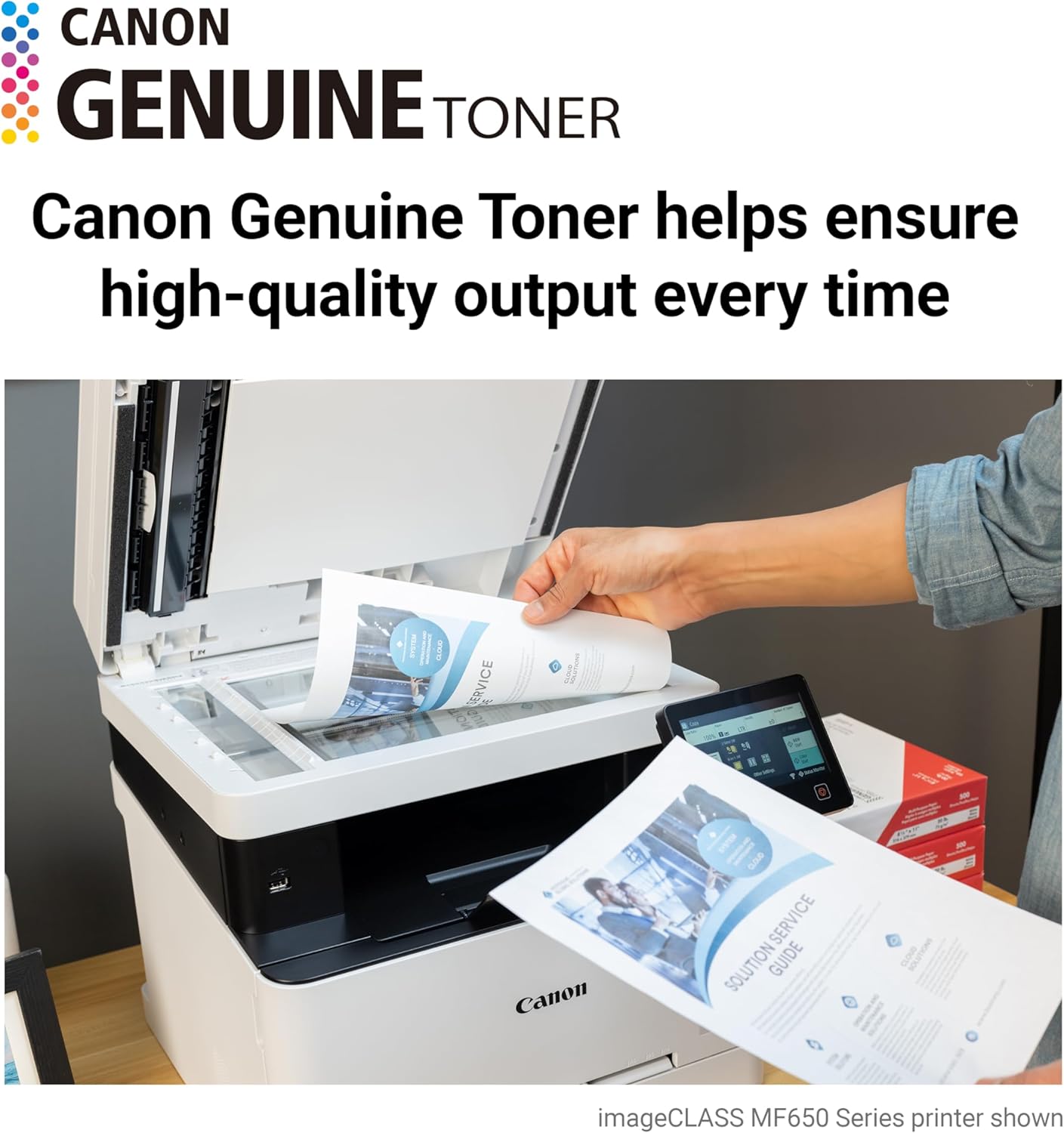
If you’ve landed on a Canon imageCLASS printer — the kind of color laser device (a printer that uses powdered ink called toner, fused to paper with heat) that you find in small offices and creative workspaces — you’ve probably already noticed that Canon sells toner under two closely related names: 054 and 055. Both fit the same general product family. Both come in black, cyan, magenta, and yellow. But they are not the same cartridge, and choosing the wrong one can quietly inflate your cost-per-page (the price you pay to print a single sheet) by 30 percent or more. This guide breaks down every meaningful difference between the two series — yield numbers, pricing tiers, compatible-cartridge options, and the compatibility matrix you need to avoid a frustrating mismatch — so you can place your next order with full confidence.
The Core Difference: Standard Yield vs. High Yield (and Why It Changes Everything)
The 054 and 055 series use the same toner chemistry in different-sized reservoirs. Think of them as the small and large cups at a fountain drink station: same liquid, different volumes, different price-per-ounce math.
054 (Standard Yield) Canon’s published specifications rate the 054 black cartridge at approximately 1,500 pages and each 054 color cartridge (cyan, magenta, yellow) at approximately 1,200 pages, measured at 5% page coverage — the industry-standard benchmark where roughly one-twentieth of each page is printed content.
054H (High Yield) The 054H black cartridge is rated at approximately 3,100 pages; each 054H color cartridge is rated at approximately 2,300 pages. That’s roughly double the page count per cartridge.
055 (Standard Yield) The 055 black is rated at approximately 2,300 pages; 055 colors at approximately 2,100 pages each.
055H (High Yield) The 055H black tops out at approximately 7,600 pages; the 055H colors each reach approximately 5,900 pages. This is where the math tips decisively toward high-volume buyers.
Estimated cost-per-page comparison (May 2026 street pricing):
| Cartridge | Yield (Black) | Typical Street Price | CPP (Black) | Tier |
|---|---|---|---|---|
| Canon 054 Black | ~1,500 pp | ~$25–$32 OEM | ~1.7–2.1¢ | STAROVER — $54.46 |
| Canon 054H Black | ~3,100 pp | ~$45–$58 OEM | ~1.5–1.9¢ | Canon — $316.89 |
| Canon 055 Black | ~2,300 pp | ~$32–$42 OEM | ~1.4–1.8¢ | Canon — $316.89 |
| Canon 055H Black | ~7,600 pp | ~$80–$105 OEM | ~1.1–1.4¢ | Canon — $344.00 |
Street prices sourced from aggregated retail listings, May 2026. Color CPP runs slightly higher across all tiers.
The pattern is clear: if you print more than 400–500 pages a month per color channel, the H-series pays for itself within two or three replacement cycles. If you print sporadically — fewer than 150 pages a month — the standard-yield cartridge may be the smarter pick, because toner can degrade over multi-year storage periods in low-use environments, per Canon USA’s consumables storage guidance published on the Canon support portal.
Compatibility Matrix: Which Cartridge Fits Which imageCLASS Printer?
This is where buyers run into real trouble. The 054 and 055 series are not interchangeable across all models, and Canon’s naming does not make this obvious. PCMag’s review of the Canon imageCLASS MF743Cdw confirms the 055 and 055H as the designated cartridge for that machine. TechRadar’s Canon imageCLASS LBP664Cdw review similarly confirms the 054 and 054H as the correct cartridges for that model. Installing the wrong series will either fail to seat physically or — more dangerously — seat but report an error or deliver incorrect yield estimates to the printer’s toner-level sensor.
054 / 054H compatible models (representative, not exhaustive):
- Canon imageCLASS LBP612Cdw
- Canon imageCLASS LBP664Cdw
- Canon imageCLASS MF642Cdw
- Canon imageCLASS MF644Cdw
055 / 055H compatible models (representative, not exhaustive):
- Canon imageCLASS MF741Cdw
- Canon imageCLASS MF743Cdw
- Canon imageCLASS MF745Cdw
The verification step that saves returns: Open your imageCLASS’s front cover and look at the toner slot labels. Canon silk-screens the cartridge series directly onto the drum and toner compartment on most MF and LBP models. If the label reads “054,” the machine accepts only 054 and 054H. If it reads “055,” only 055 and 055H will work correctly. Cross-referencing this with the Canon USA support portal entry for your specific model number eliminates any remaining doubt.
OEM vs. Compatible Cartridges: Decision Tiers for 054 and 055 Buyers
Canon’s OEM toner is manufactured to hit ICC color profiles — the mathematical tables that tell your printer how to mix cyan, magenta, yellow, and black to produce a specific color — with high consistency. Buyers Laboratory’s Canon imageCLASS MF Series Color Output Assessment notes that Canon’s OEM formulation delivers stable Delta-E measurements (Delta-E is a numeric score for color accuracy; lower is better) across a cartridge’s full rated life. For design and marketing professionals running color-critical output, that consistency is worth paying OEM prices to preserve.
For everyone else, the compatible-cartridge market for both the 054 and 055 series is mature and reasonably well-sourced as of mid-2026. The three segments below map to the tier markers used throughout this guide.
Budget Tier: Home Office and Single-Unit Buyers
For home office users printing under 150 pages a month, the 054 or 055 standard-yield cartridge in compatible form from established suppliers typically lands at $8–$18 per color cartridge versus $25–$32 OEM. At this volume level, the yield variance between OEM and compatible matters less, and the per-cartridge savings are proportionally large.
One important caveat: Canon’s imageCLASS warranty language does not void your warranty solely for using compatible cartridges, but Canon can decline to cover damage it directly attributes to a non-OEM consumable. For a home user on a single MF642Cdw, that risk profile is low.
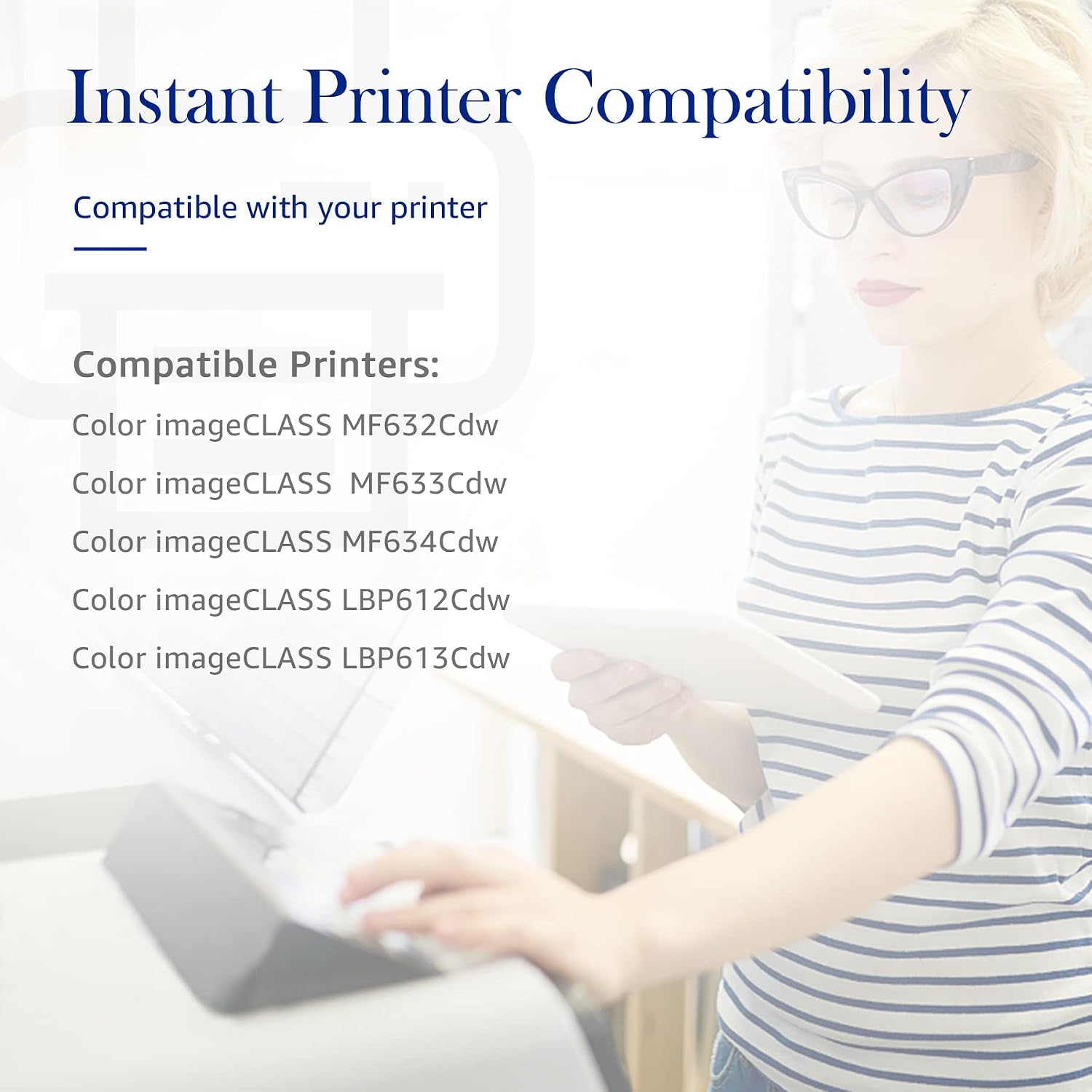
STAROVER
$54.46
In stock on Amazon
Check price on AmazonMid-Tier: Small-Business Operators (2–10 Printers, Mixed Volume)
The 054H in compatible form from established remanufacturers — Katun and Clover Imaging both source Canon-platform compatible toner — offers a practical middle path for small offices. Operators in long-run use cases report that yield accuracy from tier-1 compatible manufacturers has improved substantially since 2023, with most results falling within 8–12% of rated page counts. At $20–$35 per compatible 054H color cartridge versus $45–$58 OEM, the math typically favors compatible for black and cyan (high-volume channels) while keeping OEM magenta and yellow (lower-volume, more color-sensitive channels) for client-facing print jobs.
The same logic applies to the 055H for mid-sized MF741Cdw through MF745Cdw fleets: run compatible for workhorse channels, OEM for color-critical output.
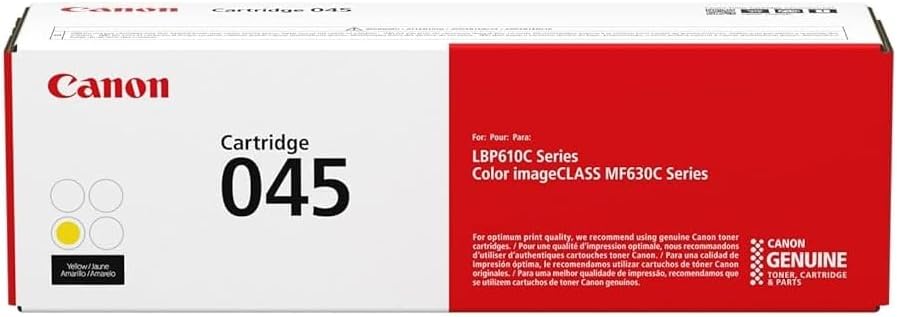
Canon
$316.89
In stock on Amazon
Check price on AmazonPremium Tier: High-Volume Commercial and Color-Critical Users
For MPS (managed print service) operators, creative studios, and any environment where color accuracy and supply-chain reliability are non-negotiable, OEM 055H sets are the rational choice. The cost delta versus compatible is real — often $40–$60 per full CMYK set — but genuine yield accuracy, consistent ICC color fidelity as documented by Buyers Laboratory’s MF Series Color Output Assessment, and zero risk of firmware-triggered cartridge rejection make OEM the defensible option when downtime has a measurable dollar cost.
Digital Trends’ Best Laser Printer Guide 2025–2026 explicitly flags firmware-update-induced compatible cartridge lockouts as an active and ongoing risk across the Canon imageCLASS line. OEM cartridges are immune to this category of failure by design.
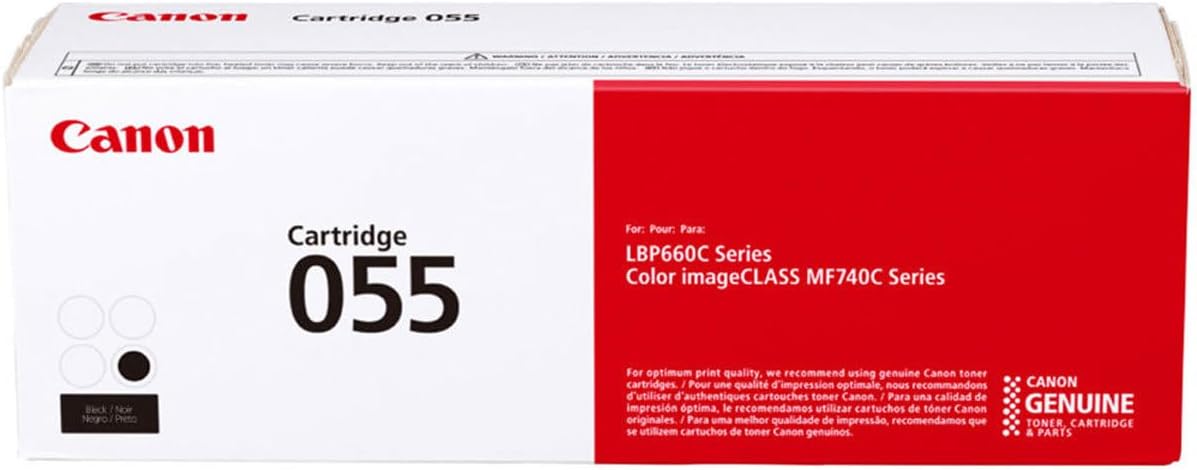
Canon
$344.00
In stock on Amazon
Check price on AmazonThe Firmware Variable You Cannot Ignore
Canon has issued several imageCLASS firmware updates since 2023 that have — in documented cases — caused certain third-party compatible cartridges to display “check toner” errors or refuse to initialize. PCMag’s ongoing coverage of the imageCLASS MF743Cdw and related models notes this pattern explicitly, and it is the single most consequential variable for anyone running compatible 054 or 055 cartridges at scale.
Practical steps to manage firmware risk:
- Before updating firmware on any imageCLASS unit, review the update notes on the Canon USA support portal. Look specifically for language referencing “cartridge authentication” or “supply compatibility.” Those are the updates that have historically triggered lockouts.
- Log your compatible cartridge brand and lot number alongside the firmware version running at the time of installation. If a lockout occurs after an update, this data allows your supplier to issue a replacement or provide an updated chip revision.
- Maintain one OEM cartridge per color per machine as a backup if you are running compatible toner at volume. A single OEM 055H CMYK set — typically $120–$160 at street pricing — sitting on a shelf is inexpensive insurance against a firmware-triggered disruption during a critical print run.
Decision Framework: If X, Then Y
After reviewing the specs, the pricing landscape, and the compatibility map, the following decision logic covers most real-world situations.
If you’re running MF741Cdw through MF745Cdw at high monthly volume (500+ pages/month): → Use 055H OEM for color-critical work. If budget is the primary constraint, use 055H compatible (Katun or Clover) for black and cyan, 055H OEM for magenta and yellow. Lock firmware updates behind a change-control review before applying them to production machines.
If you’re running LBP612Cdw, LBP664Cdw, MF642Cdw, or MF644Cdw: → Your cartridge is the 054 / 054H series — the 055 will not work in these machines. For standard office volume (150–400 pages/month), the 054H in OEM or tier-1 compatible form gives the lowest cost-per-page. For sporadic use under 150 pages/month, 054 standard yield avoids the risk of toner sitting past its optimal storage window.
If color accuracy is a professional requirement: → Use OEM only, regardless of which series fits your machine. The ICC fidelity and Delta-E stability documented in Buyers Laboratory’s Canon imageCLASS MF Series Color Output Assessment is not reliably replicated in the compatible market for color-critical applications.
If you’re a home office user on a single printer: → Compatible 054 or 055 standard yield from a reputable supplier is a reasonable value call. Confirm your current firmware version before installing and verify that the compatible chip revision matches your firmware level with the supplier before ordering.
The next step is straightforward: confirm your exact imageCLASS model number (printed on the front panel), then use the compatibility matrix above to lock in your series — 054 or 055 — before comparing OEM versus compatible pricing. Once you know the series, the yield math and decision framework here will tell you which tier makes sense for your print volume.
Ready to order? Browse OEM and compatible Canon 054 and 055 toner sets below, sorted by model compatibility and yield tier.