If you’re running a Brother HL-L3 or MFC-L3 series color laser printer — compact workhorses that produce color pages without the bulk or price tag of a commercial machine — you’ve probably noticed that Brother now offers two distinct high-yield color toner families for overlapping models: the TN227 series and the newer TN229XL series. Toner refers to the dry powder cartridge that laser printers use to form images on paper, as opposed to the liquid ink used in inkjet machines. High-yield means the cartridge is rated to print more pages before running out — which matters enormously once you start calculating what each page actually costs you. This guide cuts through the SKU confusion, shows you the yield math, and gives you a clear decision framework: which series belongs in your printer, when to buy OEM (the manufacturer’s own brand), and when a premium compatible makes economic sense.
First, Know Which Cartridge Actually Fits Your Printer
This is the step that trips people up most often, so let’s settle it before anything else.
The TN227 and TN229XL families are not interchangeable across all HL-L3 and MFC-L3 models. Brother redesigned the cartridge interface with the refreshed L3 lineup, and the two series map to different printer generations.
TN227 fits:
- HL-L3210CW, HL-L3230CDW, HL-L3270CDW, HL-L3290CDW
- MFC-L3710CW, MFC-L3750CDW, MFC-L3770CDW
TN229XL fits:
- HL-L3295CDW, HL-L3300CDW (and select newer variants)
- MFC-L3755CDW, MFC-L3760CDW, MFC-L3780CDW, MFC-L8390CDW
Per Brother Industries’ published TN227 and TN229 Series Product Specification Sheets, attempting to use a TN227 cartridge in a TN229-generation printer — or vice versa — will result in a “Wrong Cartridge” error. The chips are model-matched. If you’re unsure which generation your unit is, check the sticker on the front-facing door panel or cross-reference your model number against Brother’s online compatibility tool before purchasing anything.
Quick rule: If your model number ends in a 5, 6, or 8 in the third digit of the four-digit suffix (e.g., L3295, L3760, L8390), you’re almost certainly in TN229XL territory. If it ends in 1, 2, 3, or 7 (L3210, L3270, L3770), you’re TN227.
The Yield and Cost-Per-Page Math
This is where the decision actually lives for anyone managing more than one printer or printing more than a few hundred pages a month.
By the Numbers
| Cartridge | Color | ISO Page Yield | Street Price (OEM, May 2026) | Cost Per Page | Tier |
|---|---|---|---|---|---|
| TN227C/M/Y | Cyan, Magenta, or Yellow | ~2,300 pages | ~$28–$34 each | ~$0.012–$0.015 | Brother — $184.29 |
| TN227BK | Black | ~3,000 pages | ~$32–$38 | ~$0.011–$0.013 | Brother — $184.29 |
| TN229XLBK | Black | ~6,000 pages | ~$58–$68 | ~$0.010–$0.011 | Brother BK/C/M/Y — $369.99 |
| TN229XLC/M/Y | Cyan, Magenta, or Yellow | ~4,000 pages | ~$48–$58 each | ~$0.012–$0.015 | Brother BK/C/M/Y — $369.99 |
| Compatible TN227C/M/Y | Cyan, Magenta, or Yellow | ~2,100–2,300 pages | ~$18–$26 each | ~$0.008–$0.012 | TN229XL — $89.99 |
Yields per Brother Industries TN227 and TN229 Series Product Specification Sheets; street prices reflect major U.S. retailer averages as of May 2026.
A few things jump out immediately. The TN229XL black cartridge offers the clearest cost-per-page advantage — nearly double the yield of its closest predecessor at roughly the same per-page rate, but you’re spending $60+ upfront rather than $35. For a high-volume office machine that burns through black toner every six to eight weeks, that front-loaded cost pays back quickly. Color cartridges tell a similar story, but the math is tighter because color coverage per page is typically lower in mixed-use environments.
Buyers Laboratory (Keypoint Intelligence), which conducts independent cartridge yield verification using ISO/IEC 19798 test methodology, has historically confirmed in its Color Laser Cartridge Yield Verification Reports that Brother’s self-reported yields are among the more accurate in the industry for the L3 series — within ±5% under standard 5% page coverage conditions. That’s worth noting because some competing brands’ “high yield” marketing overstates real-world output by 15–20%.
OEM vs. Compatible: Where the Tradeoff Lives
For the HL-L3 and MFC-L3 segments, you have three realistic purchasing tiers. Each is examined below with its own recommendation marker so you can jump directly to the tier that matches your situation.
OEM Brother Cartridges
The case for OEM is strongest if you’re running an MFC-L3 in a color-critical workflow — client presentations, marketing materials, anything where a color shift mid-job would matter. PCMag’s review of the Brother HL-L3295CDW noted consistent, predictable color output across full cartridge life cycles as one of the printer’s standout qualities, and that consistency is tied directly to Brother’s own toner formulation and chip pairing.
OEM also protects you on warranty. Brother’s U.S. warranty terms state that damage caused by the use of non-Brother supplies can be grounds for voiding coverage on affected components. That language is fairly standard, and in practice, warranty claims on toner-related damage are relatively rare — but if you’re within the first year on a printer that cost $350–$500, the risk calculus favors OEM.
The Brother TN229XL high-yield black toner is the flagship OEM choice for newer-generation fleet machines, and it belongs in this tier.
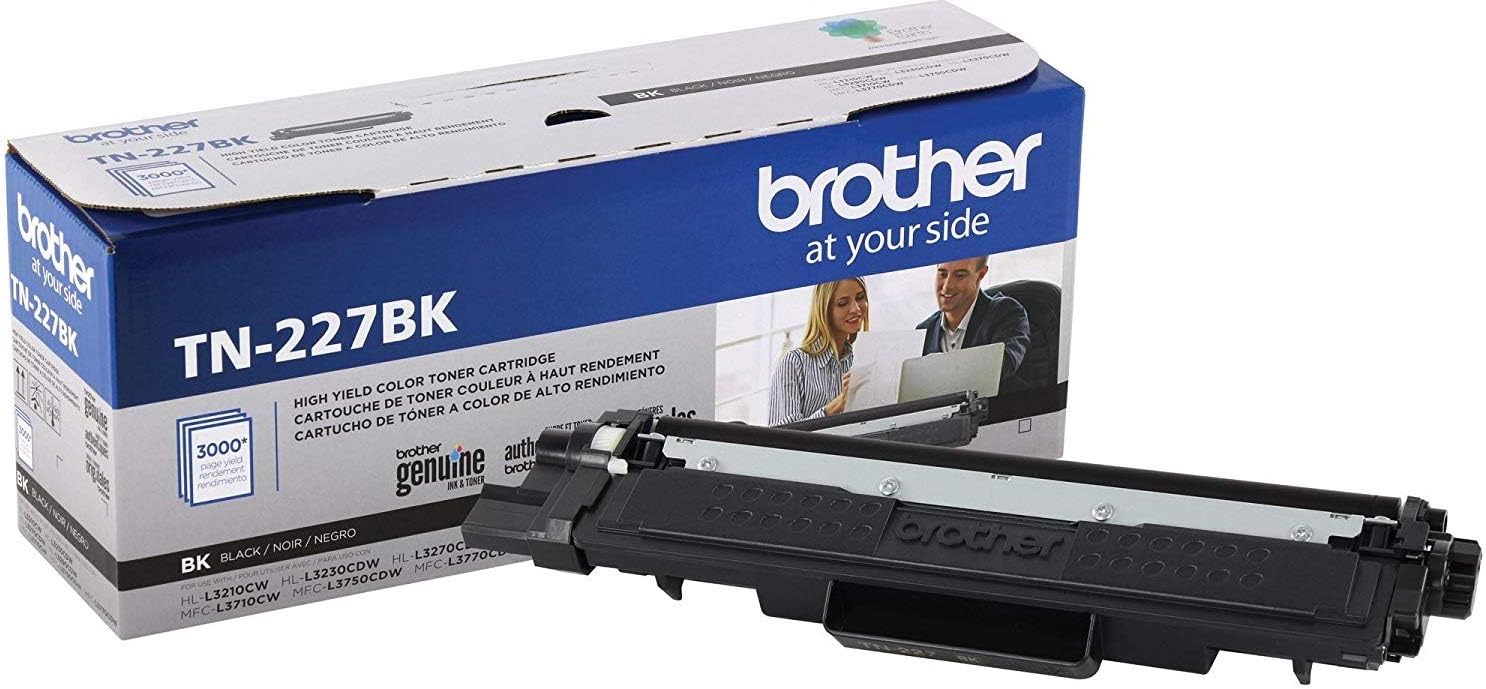
Brother BK/C/M/Y
$369.99
In stock on Amazon
Check price on AmazonPremium Compatible Lines
If you’re past the warranty window, managing a fleet of four or more units, or operating in a cost-per-page-sensitive environment, premium compatible toner from established remanufacturers is worth serious consideration. Digital Trends’ Best Color Laser Printers for Small Business, 2025 Edition noted that the quality gap between OEM and top-tier compatibles has narrowed substantially in the color laser segment over the past several years, particularly for established cartridge families with a mature aftermarket.
For TN227, suppliers such as LD Products and Clover Imaging offer compatible sets in the $18–$26 range per color cartridge — roughly 30–40% below OEM pricing. At that spread, across a four-printer office running 1,000 color pages per month, you’re looking at $200–$300 in annual savings. That’s meaningful budget relief for a small business.
The LD Products compatible TN227 color toner set sits squarely in this tier and is worth evaluating for any fleet operator running TN227-generation printers past the first-year warranty window.
For TN229XL, compatible supply has grown but is less mature. As of mid-2026, the selection is narrower and quality variance is higher than in the TN227 ecosystem, which has had two additional years for the aftermarket to stabilize. If you’re buying compatibles for TN229XL, stick to brands with a return policy and at least a 12-month cartridge warranty.
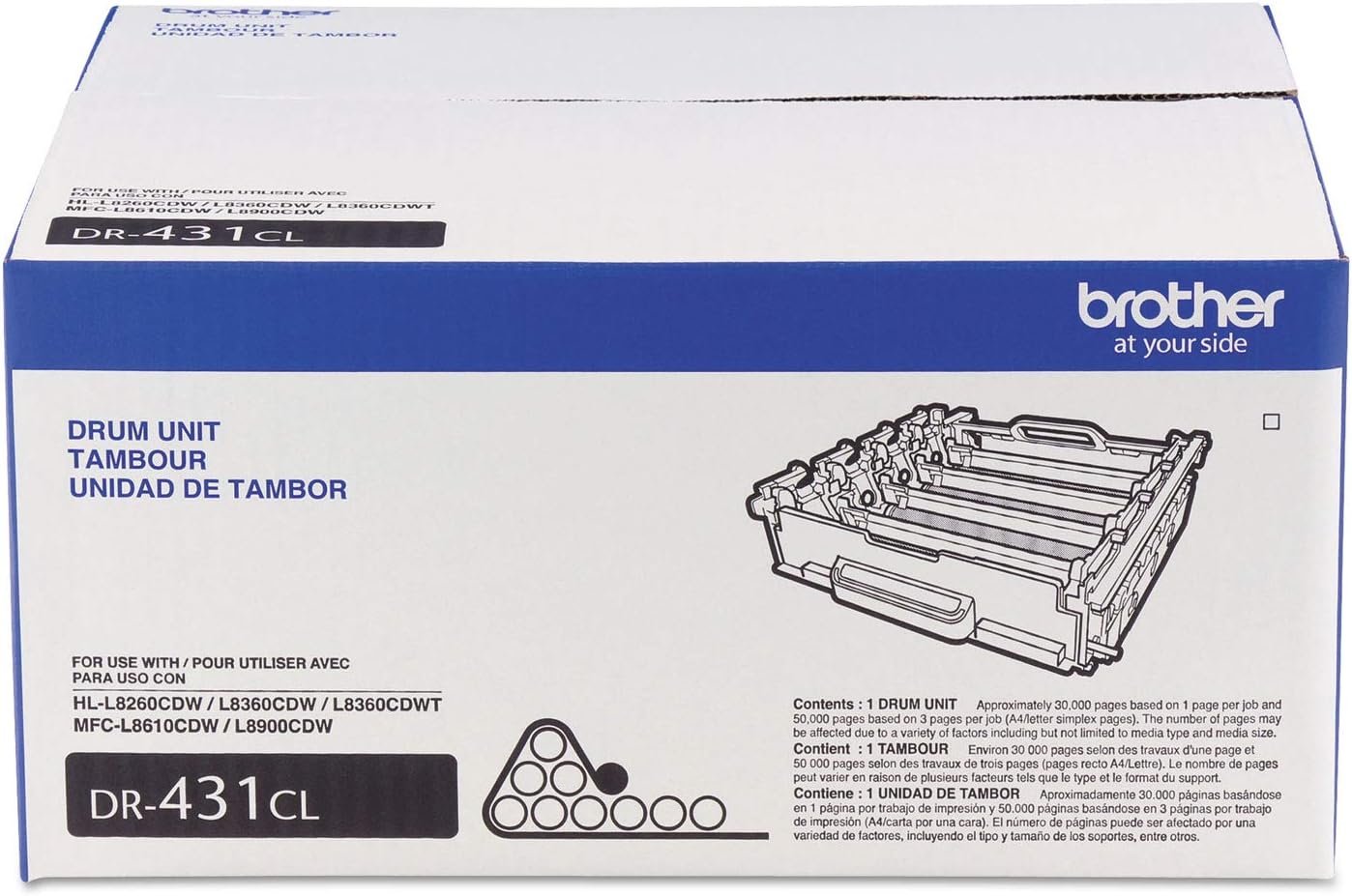
Brother
$184.29
In stock on Amazon
Check price on AmazonOff-Brand Budget Cartridges
Avoid these for color work. Office Technology Magazine’s Cost-Per-Page Benchmarking in the SMB Color Laser Segment documented that low-cost unbranded compatibles show the widest yield variance — sometimes 20–40% below stated output — and the highest rate of fuser contamination issues in the color laser category. The per-cartridge savings evaporate quickly if you’re getting 1,400 pages out of a cartridge rated for 2,300, and fuser damage can turn a $20 savings into a $150 service call.
For budget-conscious single-printer home office users, the smarter move than unbranded cartridges is to buy a Brother TN227 OEM combo pack — the four-cartridge bundle typically prices at $110–$135, which brings the per-cartridge cost down to a range that competes with lower-tier compatibles without the yield and reliability risk.
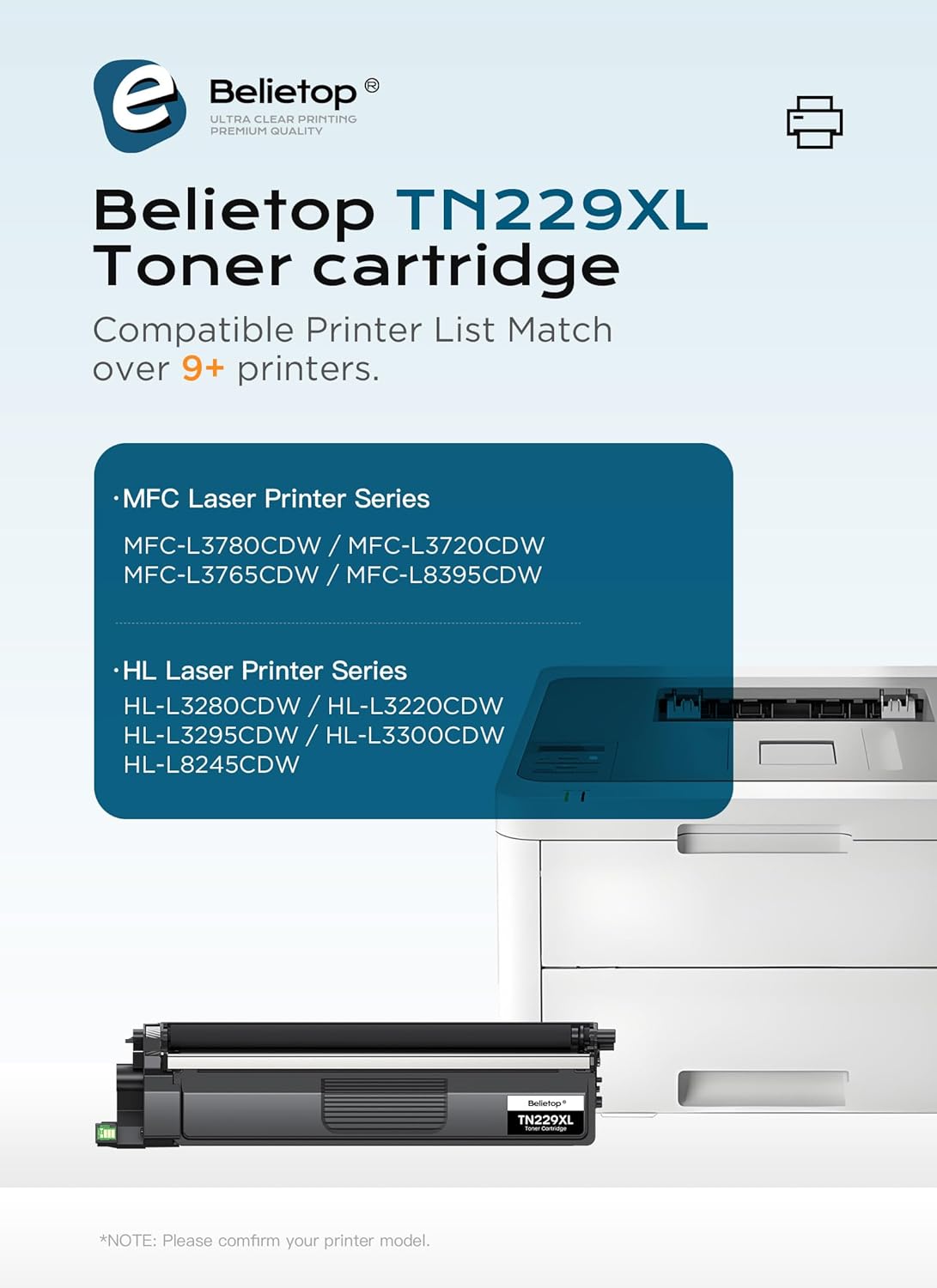
TN229XL
$89.99
In stock on Amazon
Check price on AmazonThe Firmware Variable You Cannot Ignore
Here’s the one that catches people mid-contract: Brother periodically pushes firmware updates that affect compatible cartridge compatibility.
In the TN227 ecosystem, several fleet operators documented that firmware versions released in the 2023–2024 timeframe triggered “Replace Toner” errors on certain third-party compatible cartridges that had previously worked fine — even mid-cartridge-life. Brother’s stated rationale is toner authentication for quality assurance. The practical effect is that a compatible cartridge that worked last quarter may not work after an automatic firmware update.
If you’re managing TN227 or TN229XL printers in a fleet environment, two steps protect you: (1) disable automatic firmware updates on devices running compatible toner — most Brother network models allow this through the web-based management interface — and (2) verify with your compatible supplier that their current chip versions are validated against your current firmware revision before ordering in bulk.
This is not a hypothetical risk. It is the single most common source of mid-cycle supply disruption reported by small fleet operators across the L3 series, and it applies equally whether you’re running TN227 or the newer TN229XL platform.
Multi-Pack Economics: When the Bundle Wins
One underappreciated purchasing move for TN227 users is the 4-pack combo set (black + cyan + magenta + yellow). OEM combo packs typically run $110–$135 at major retailers. Bought individually, the same four cartridges would cost $120–$145. The bundle discount is modest — roughly 8–12% — but you also eliminate a separate shipping event and ensure all four cartridges come from the same production lot, which matters for color consistency across a full replacement cycle.
The Brother TN227 4-pack OEM color toner set is the standard recommendation here for mid-volume users who want predictable costs and color fidelity without managing four separate reorder cycles.
For TN229XL, combo packs are available but harder to find at meaningful discounts as of May 2026, given the product line’s newer vintage. That is likely to shift over the next 12–18 months as the supply chain for this generation matures and retailer competition increases.
If X, Then Y: Your Decision Rules
If your printer is a TN229XL-generation model (HL-L3295CDW, MFC-L3760CDW, or similar) and you print more than 500 color pages per month: → Buy OEM TN229XL high-yield sets. The compatible market for this generation is still maturing, and firmware risk on new-generation chips is higher than for the established TN227 platform. Don’t optimize prematurely.
If your printer is a TN227-generation model, you’re past the manufacturer warranty, and you run a fleet of three or more units: → Test a compatible set from LD Products or Clover Imaging on one unit with firmware updates disabled. If output quality and yield hold across one full cartridge life, roll out across the fleet. The 30–40% savings are real and well-documented.
If you’re managing color-critical output on any L3-series model — proposals, client materials, brand-matched print: → OEM only. PCMag’s HL-L3295CDW review specifically called out Brother’s color consistency as a differentiator, and that consistency depends on OEM toner formulation. This is not the place to optimize on cost.
If you’re a home office user with a single HL-L3270CDW printing under 200 pages per month: → OEM standard-yield TN227 from a combo pack. High-yield makes no sense at low volume — toner has a practical shelf life once opened, and you won’t exhaust a high-yield cartridge before it degrades. The combo pack price point keeps your cost-per-page honest without overcommitting.
Your Next Step
The TN227/TN229XL split is a real fork in the road that catches buyers off-guard, especially when ordering supplies for a mixed fleet. Start by confirming your exact printer model against the compatibility lists above — it takes 60 seconds and saves a return-shipping headache.
From there, use the decision rules above to identify your tier, then shop with yield math in hand rather than sticker price. Ready to order? Browse the options below — all sourced from vetted retailers with current pricing.
[PRODUCT: Brother TN227 4-pack OEM color toner set — tier: mid-market] [PRODUCT: Brother TN229XL high-yield black toner — tier: mid-market] [PRODUCT: LD Products compatible TN227 color toner set — tier: home-office/budget]